Back to Blog
Analyze Your Meta Ads Campaigns with AI and Make Better Decisions in 2026
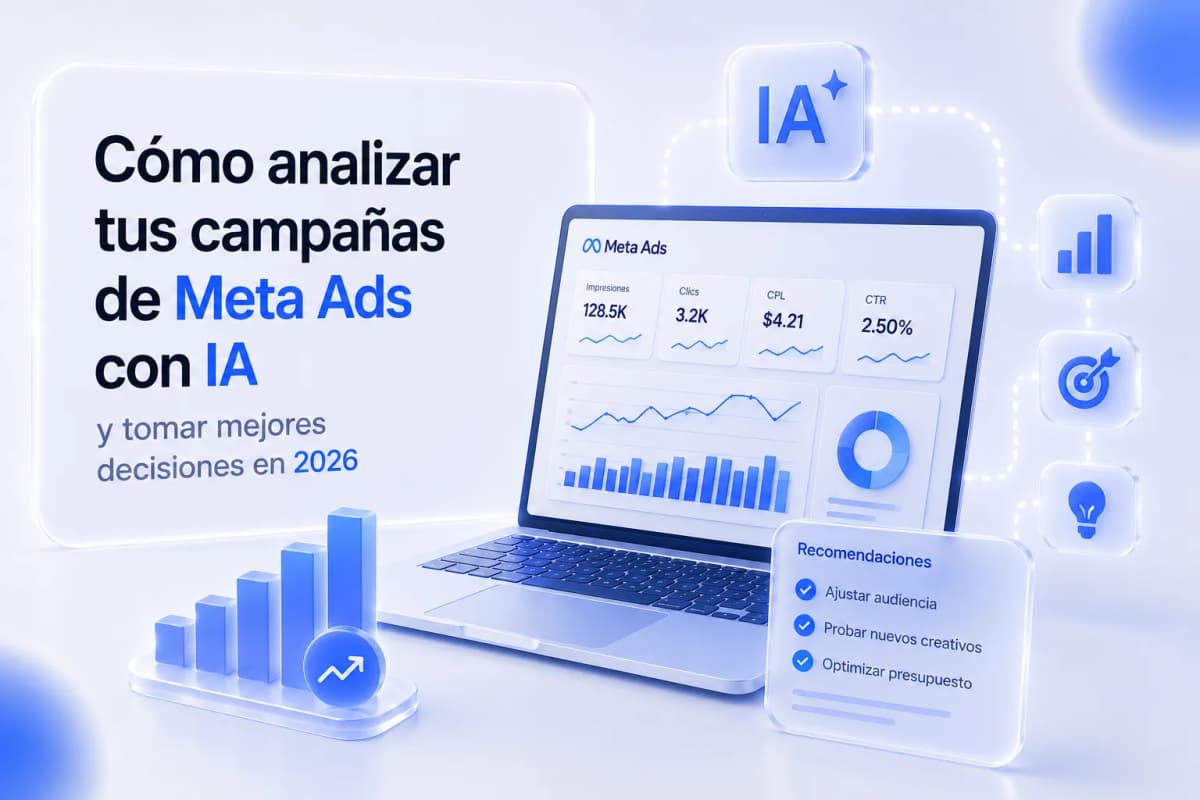
Ads Manager has all the data you need. The problem is it doesn't tell you what any of it means — it shows you CPL went up, but not whether the issue is the creative, the audience, or the follow-up sequence. AI closes that gap: paste the numbers, ask the right question, and instead of spending an hour combing the dashboard, you have the diagnosis and adjustment hypotheses in five minutes.
What Ads Manager Shows You vs. What It Doesn't
The dashboard gives you metrics. It doesn't tell you:
- Is this high CPM from audience saturation or seasonal competition?
- Is this expensive CPL coming from a weak creative or a problem with the landing page?
- Which ad set is draining budget without converting?
Answering those questions manually means opening multiple views, cross-referencing data by device, age, and placement, and having the experience to recognize what the patterns mean. AI doesn't replace that judgment — it accelerates it. You're still the one making decisions, but instead of taking 60 minutes to diagnose, you take 10.
What to Export Before Asking AI to Analyze
Before pasting data into ChatGPT or Claude, you need the right columns. Export from Ads Manager → Reports → Customize Columns with these metrics:
|
Metric |
Why it matters |
|---|---|
|
CPM (cost per thousand impressions) |
Signals audience competition and saturation |
|
CTR (all click-through rate) |
Measures whether the creative generates curiosity |
|
CPC (cost per click) |
Efficiency signal combining creative + bid |
|
CPL (cost per lead) |
Primary performance metric for the campaign |
|
Frequency (last 7 days) |
Signals creative fatigue if above 3–3.5 |
|
Quality ranking |
Relevance signal for the audience |
|
Age breakdown |
Identifies which age segment converts best |
|
Device placement breakdown |
Separates mobile vs. desktop behavior |
|
Cost per result (by ad set) |
Shows which sets are pulling the average up |
Export the last 7–14 days at the ad set level, not campaign level — campaign-level data is too aggregated to diagnose specific issues.
The Prompt Template for Campaign Analysis
This is the most direct application: paste the data, ask the right question, and the AI interprets. The following prompt works with ChatGPT Plus (GPT-4) or Claude Pro:
Why it works: the business context and campaign objective let the AI give specific diagnoses instead of generic advice. Without that context, you get "consider optimizing your ads for better performance." With it, you get "ad set 3's CPL is 2.3x the average with a 7-day frequency of 4.1 — the creative is fatigued."
The 5 Most Common Campaign Diagnoses
|
Symptom in the data |
Most likely diagnosis |
What to adjust |
|---|---|---|
|
High CPM (>$12–18 USD in US/CA) |
Audience too small or saturated |
Broaden audience, create new lookalike, or refresh creative |
|
Low CTR (<1% for cold traffic) |
Weak hook — creative isn't stopping the scroll |
Test 3 different hooks in video or image, change format |
|
High CPL with normal CTR (>1.5%) |
Landing page friction or slow follow-up |
Check load speed, simplify form, reduce fields |
|
Frequency >3.5 in 7 days |
Audience fatigue |
Rotate active creatives, expand audience, or exclude recent visitors |
|
Good CPL on mobile, high CPL on desktop |
Landing not optimized for mobile or primarily mobile audience |
Prioritize mobile placements, review mobile experience |
When you paste this diagnostic framework into the AI along with your data, it can identify which pattern applies to your specific ad sets — and what should be the priority for the week.
Using AI to Generate New Creative Hypotheses
Once the diagnosis identifies the problem (example: low CTR = low-engagement creative), AI can also help you generate hypotheses for what to test. A specific prompt:
"Based on this campaign data where the average CTR is 0.7% on cold traffic [business type: business consulting in [market]], generate 5 new creative hypotheses to test. For each hypothesis include: the message angle, the recommended format (video, image, carousel), and the first 2–3 seconds of the hook if video or the headline if image. The goal is to stop the scroll of [audience: business owners 35–50]."
For copy variants for A/B testing:
"I have this active ad that generates good CTR but high CPL: [paste current copy]. Write 3 variants of the ad body that keep the same hook but change the promise or the offer mechanism. Tone: direct, no hyperbole, no exclamation marks."
The 30-Minute Weekly Optimization Routine
|
Step |
What you do |
Time |
|---|---|---|
|
Export |
Download the last 7-day report from Ads Manager at ad set level with the key columns |
5 min |
|
Analyze |
Paste the data into the analysis prompt, add business context and campaign objective |
5 min |
|
Diagnose |
Read the AI output, verify whether the diagnosis matches what you were already observing, identify the priority |
10 min |
|
Decide |
Define the 1–2 adjustments you'll make this week — no more, to isolate the impact of each change |
5 min |
|
Implement |
Apply changes in Ads Manager: pause underperforming ad sets, launch new variants, adjust budget |
5 min |
The discipline of making only 1–2 changes per week is critical — if you change audience, creative, and budget simultaneously, you can't know which change drove the result.
What AI Can't Do For You
It has no direct access to your account: AI works with the data you give it. It doesn't connect to Ads Manager, doesn't read your campaign history, and doesn't see your pixel. That means the quality of the analysis depends entirely on how well you export and structure the data before pasting it.
It can't predict results with certainty: AI can identify patterns and generate hypotheses, but it can't guarantee that a recommended adjustment will lower your CPL. Hypotheses get tested, not implemented as truth.
Business context judgment is yours: the AI doesn't know that this month has a seasonal demand spike, that you changed your offer last week, or that a particular ad set has insufficient data to diagnose reliably. You add that context in the prompt — or you filter it in the diagnosis.
Ready to Get More Clients?
At Asio, we teach you to implement these strategies step by step through the Mastery program — combining Meta Ads and conversational automation so you get more appointments and close more sales, without relying on manual messages.