Back to Blog
WhatsApp Scripts to Reactivate Lost Prospects: Recover 20% of Your Dead Leads
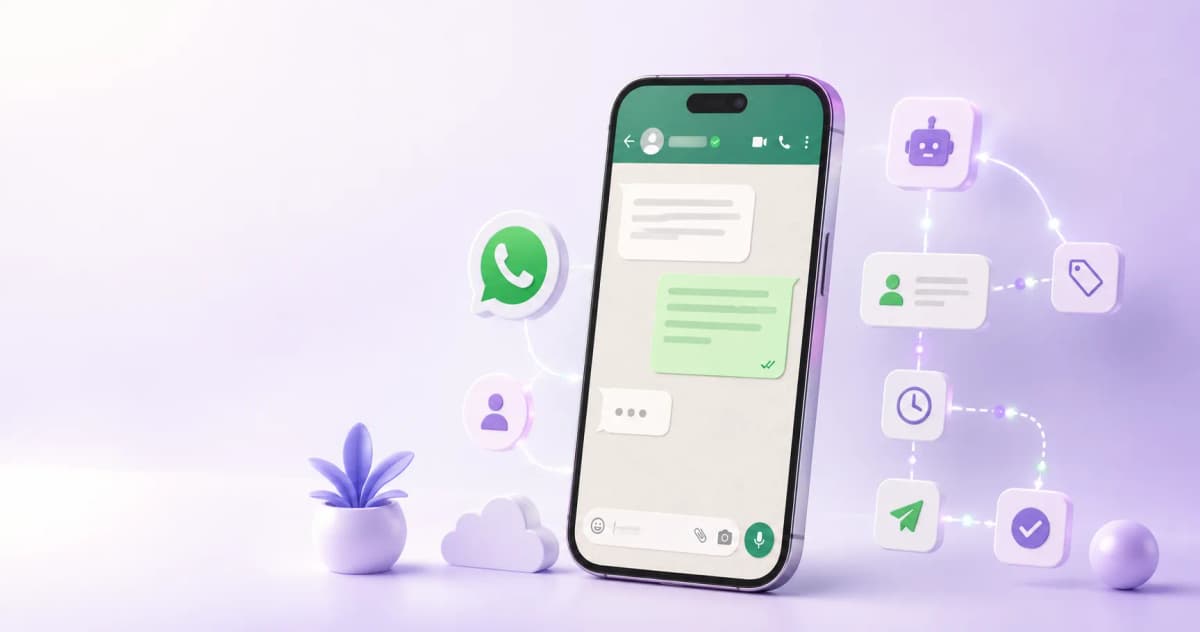
Between 70 and 85% of leads don't close on the first contact. But "not right now" is not the same as "not ever." The problem is that most professionals give up after the second attempt, right when the real recovery window begins. This article provides the exact scripts to reactivate without sounding desperate — organized by service type and send timing.
Why Most Professionals Give Up Too Early: The Timing That Works
The lead conversion curve isn't linear. Prospects who don't respond in the first week aren't necessarily gone — many are still evaluating, waiting for the right moment, or had a competing priority that day. Treating silence as a definitive rejection is the most common reason leads that could have converted never do.
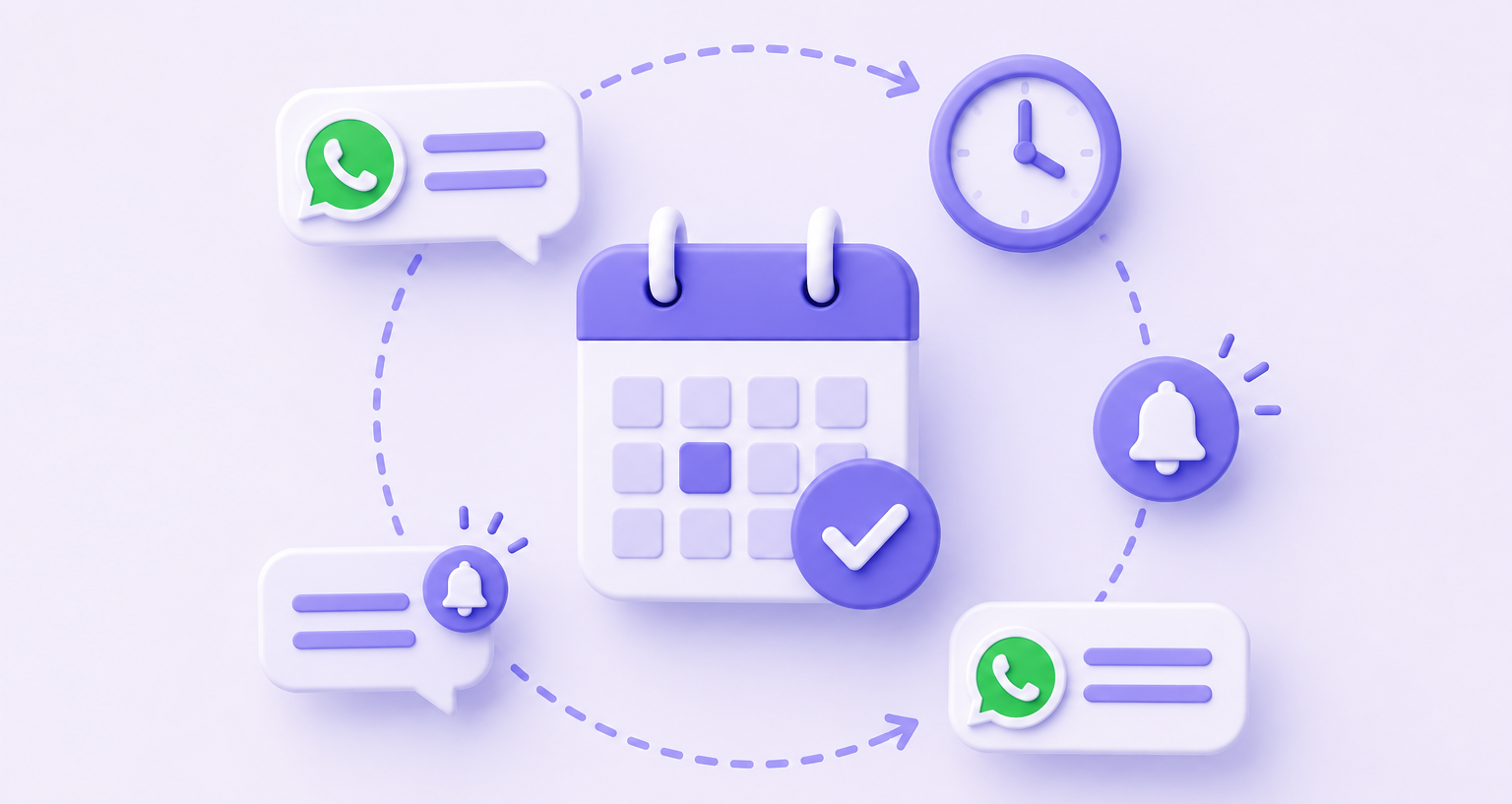
The three key moments to attempt a reactivation:
|
Moment |
Distance from last contact |
Logic |
|---|---|---|
|
14 days |
2 weeks |
The lead is still relevant; context is fresh. "Something new" message. |
|
30 days |
1 month |
Initial pressure has passed. Value message — ask for nothing. |
|
90 days |
3 months |
Their situation may have changed. Short direct close, no pressure. |
WhatsApp messages reach a 98% open rate compared to roughly 20% for email, per HubSpot. The channel isn't the problem — the content and timing are.
The 3 Types of Reactivation Message
Each moment in the sequence uses a different type of message:
1. Context change (day 14): References something new that didn't exist in the previous conversation — a newly listed property, a published resource, a similar client result. The goal is for the reactivation to feel organic, not like forced follow-up.
2. New value (day 30): Shares something useful without asking for anything in return. It lowers the prospect's guard and rebuilds the relationship without sales pressure. A lead who didn't respond to an offer may respond to content that genuinely helps them.
3. Direct close (day 90): Brief, clear, respectful. Assumes the prospect's situation may have changed. Doesn't apologize for reaching out, doesn't pressure — just opens the door.
Ready-to-Copy Scripts by Service Type
Insurance
Day 14 — context change:
"Hi [name], we spoke a couple of weeks ago about [coverage type]. There's been an update this week on the terms for [client profile] that changes the picture quite a bit. I'll send it over in case it's useful — no strings attached."
Day 30 — new value:
"Hi [name], something I've been seeing this month: several people with a profile similar to yours discovered gaps in their coverage they didn't know were there. There's one specific point worth reviewing in your case — 15 minutes this week for me to walk you through it?"
Day 90 — direct close:
"Hi [name], it's been a few months since we last spoke. Your situation has probably changed — job, family, assets. If you ever want to check whether what you have still fits where you are today, I'm here. No pressure, no commitment."
Coaching
Day 14 — context change:
"Hi [name], something you mentioned in our conversation has stayed with me: [specific problem or goal the lead brought up]. I published a resource this week that addresses exactly that. Want me to send it over?"
Day 30 — new value:
"Hi [name], a client of mine had the exact same block you described. In 6 weeks they went from [before state] to [after state]. I can walk you through how in 20 minutes if you have time this week."
Day 90 — direct close:
"Hi [name], we talked a few months ago about [topic]. If the timing has shifted and you want to pick it back up, I'm here. One message and we'll set something up."
Real estate
Day 14 — context change:
"Hi [name], a property just came on the market in [area] that matches what you told me you were looking for: [key feature]. It hasn't been listed publicly yet. Want me to show it to you first?"
Day 30 — new value:
"Hi [name], the market in [area] moved this week. There are 2 properties now in the range you mentioned. Want me to share them?"
Day 90 — direct close:
"Hi [name], it's been a few months. If you still have plans to [buy/sell], the market looks different now and there are options that weren't there in [month]. Want a quick rundown of how the area you were interested in is looking?"
Consulting
Day 14 — context change:
"Hi [name], I've been thinking about the problem you described — [topic]. I came across a case from a company in [industry] that solved it in a way I think applies directly to your situation. 15 minutes this week to walk you through it?"
Day 30 — new value:
"Hi [name], we published an analysis on [relevant topic] this week. There's one specific point that applies directly to your situation — happy to send it over if useful."
Day 90 — direct close:
"Hi [name], a few months ago we looked at working together but the timing wasn't right. If things have shifted or you've run into the same problem again, I'd be glad to pick it back up. How are things going?"
The Automated Sequence in ManyChat: 14-30-90 Day Logic
The scripts above work sent manually — but at volume they become unsustainable without automation. In ManyChat, the sequence is built like this:
Entry condition: the lead receives the tag LEAD_NOT_CONVERTED when the qualification flow ends without the prospect booking a call or completing a purchase. That tag triggers the reactivation sequence.
Day 14: ManyChat sends the context-change message for the relevant service type (the service tag — INSURANCE, COACHING, etc. — determines which script is used).
- If the prospect replies → tag changes to REACTIVATED, conversation routes to a human agent.
- If no reply within 48 hours → sequence continues.
Day 30: ManyChat sends the new value message.
- Same logic: reply → human agent. Silence → continue.
Day 90: ManyChat sends the direct close.
- If they reply → route to agent.
- If no reply within 72 hours → tag changes to LOST_FINAL. The lead exits the active sequence and moves to organic content only (newsletter, feed posts). No further manual follow-up.
Marketing automation increases sales productivity by 14.5% and reduces operating costs by 12.2%, per Nucleus Research. In this context, the savings come from eliminating manual follow-up on leads who aren't going to respond, and concentrating human time on the ones who do.
Ready to Get More Clients?
At Asio, we teach you to implement these strategies step by step through the Mastery program — combining Meta Ads, ManyChat, and conversational automation so you get more appointments and close more sales, without relying on manual messages.