Back to Blog
WhatsApp Business API vs. WhatsApp Business App: What Your Service Business Needs in 2026
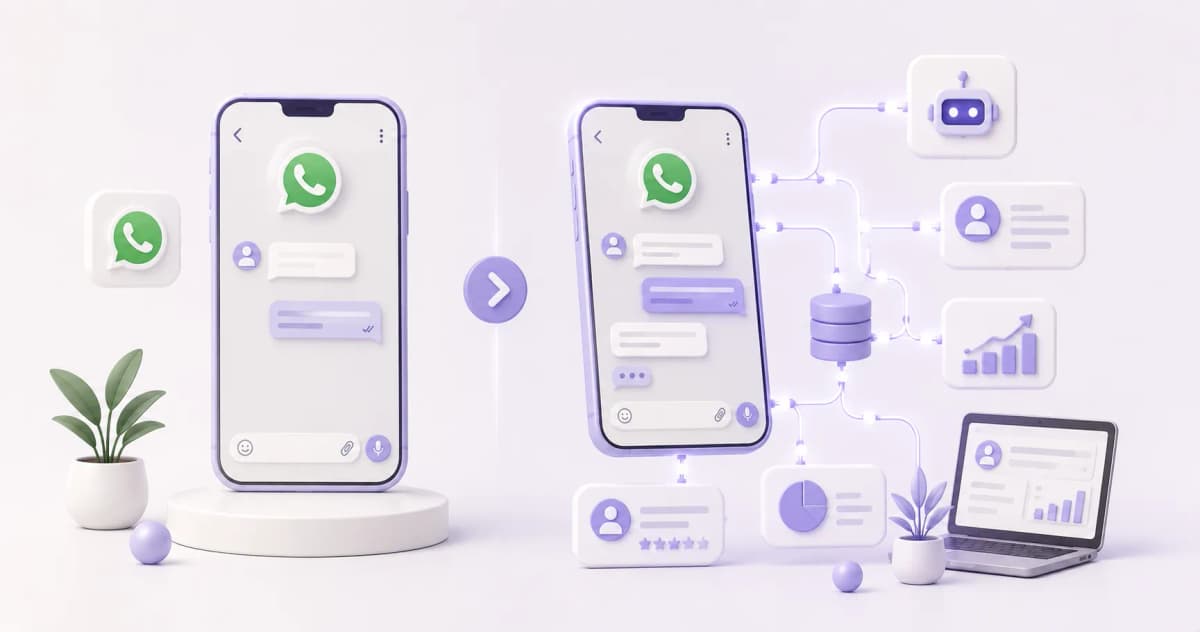
They share a name but work completely differently. The App is free, installs on your phone, and handles low-volume conversations well. The API isn't an app at all — it's a technical connection that enables automated flows, CRM integration, and tools like ManyChat. Choosing the wrong one means building the entire system on the wrong foundation.
The Difference at a Glance
|
|
WhatsApp Business App |
WhatsApp Business API |
|---|---|---|
|
Cost |
Free |
From $0 via BSP (per conversation) |
|
Devices |
1 main + up to 4 linked |
Unlimited agents on the same number |
|
Automation |
Welcome, away messages, quick replies |
Full flows via ManyChat or BSP platform |
|
CRM integration |
Not available |
HubSpot, GoHighLevel, Salesforce, etc. |
|
Instagram comment → WhatsApp DM |
No |
Yes, with ManyChat connected to the API |
|
Outbound campaigns |
No |
Yes, with Meta-approved templates |
|
Product catalog |
Yes |
Yes |
|
Best for |
Solo operators, low message volume |
Businesses with 50+ msgs/day or automation needs |
WhatsApp Business App: What You Can Do (and Where It Falls Short)
The WhatsApp Business App is free and installs like any other app. It lets you set up a business profile with hours, address, and description; add a service or product catalog; configure an automatic welcome message for new contacts; and save quick replies for frequently asked questions.
Meta's multi-device feature allows up to 4 linked devices to share the same number simultaneously — useful if a team member is also handling responses.
Where it falls short: there's no conditional automation, no CRM connection, and no way to trigger flows from Instagram comments. If you're handling 20–30 messages a week on your own, the App is enough. When volume grows or you need the platform to qualify leads before you ever pick up the phone, those limitations become the bottleneck.
WhatsApp Business API: Real Automation and How It Works
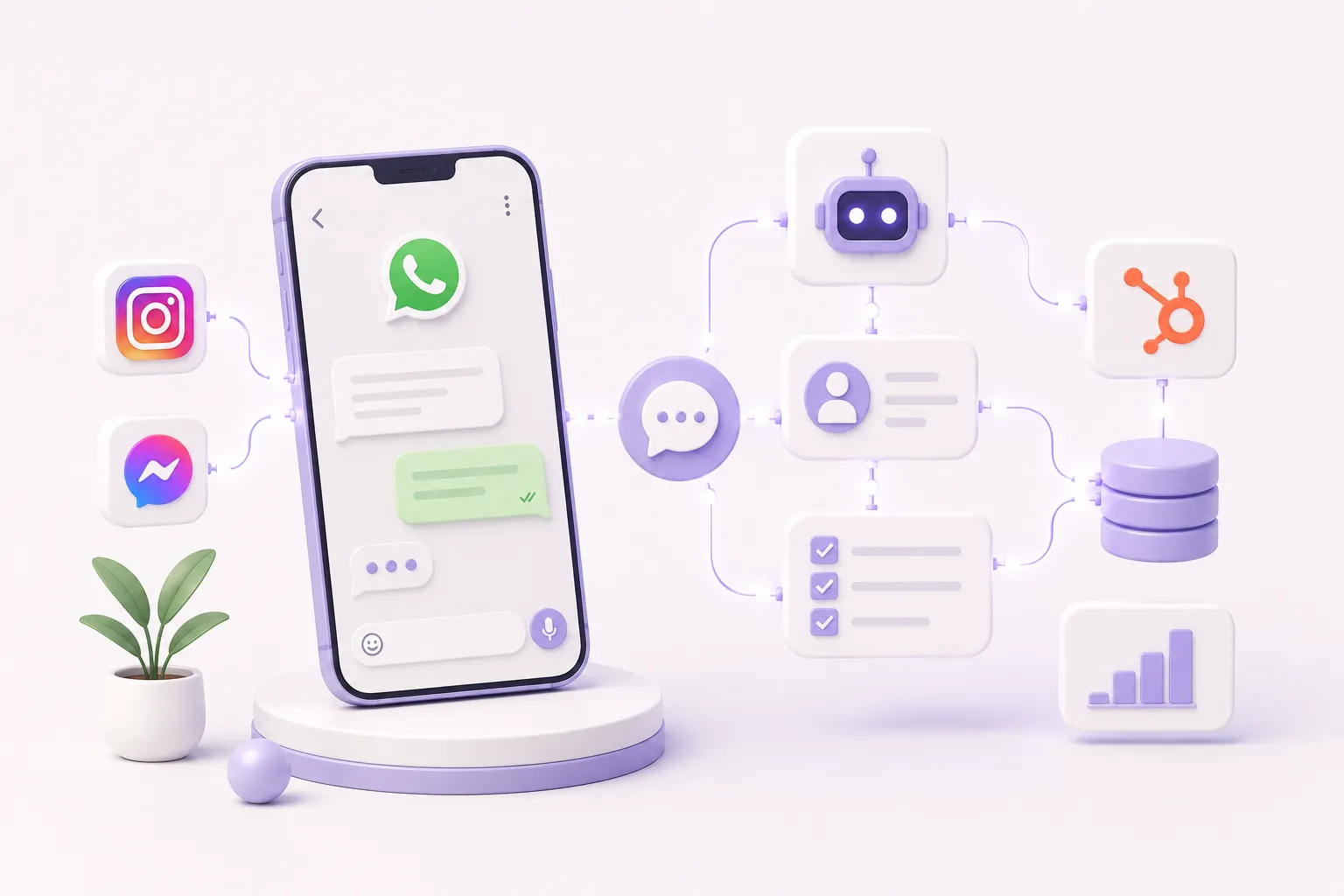
The API isn't downloaded — it's accessed through a BSP (Business Solution Provider) such as ManyChat, 360dialog, or Twilio. ManyChat is the most common choice for service businesses because it combines WhatsApp and Instagram flows in a single platform.
What the API enables that the App doesn't:
- Automated qualification flows: when someone texts "INFO," the flow asks budget, timeline, and location before a person ever gets involved
- HubSpot integration: flow responses are logged as contact properties in HubSpot; the lead arrives in your CRM already segmented
- Instagram comment → WhatsApp DM: one ManyChat flow can capture a comment on Instagram and continue the conversation on WhatsApp
- Outbound templates: send appointment reminders or follow-up messages to existing contacts, using Meta-approved templates
WhatsApp messages reach a 98% open rate compared to roughly 20% for email, per HubSpot. That open rate only becomes a business asset if the system behind it can handle replies automatically — which requires the API.
When to Upgrade from App to API: 3 Clear Signals
Not every business needs the API from the start. These three signals mean the App is no longer enough:
- You're receiving more than 50 messages per day and spending over an hour on responses: responding after 5 minutes reduces lead conversion rates by up to 4x, per InsideSales. An API-connected flow responds in seconds, around the clock.
- You want to qualify leads before the call: if you're running Meta Ads and getting leads that need 3–5 questions answered before you know whether they're worth a call, a ManyChat flow connected to the API handles that qualification without your intervention.
- You're using ManyChat for Instagram automation: if the plan is to capture leads from Reels or TikTok and continue the conversation in WhatsApp, the API is a technical requirement. ManyChat's Instagram and WhatsApp channels can be unified in a single flow only through the API.
Ready to Get More Clients?
At Asio, we teach you to implement these strategies step by step through the Mastery program — combining Meta Ads, ManyChat, and conversational automation so you get more appointments and close more sales, without relying on manual messages.