Back to Blog
Conversational AI Agents for WhatsApp: The New Era of Automation for Small Businesses in 2026
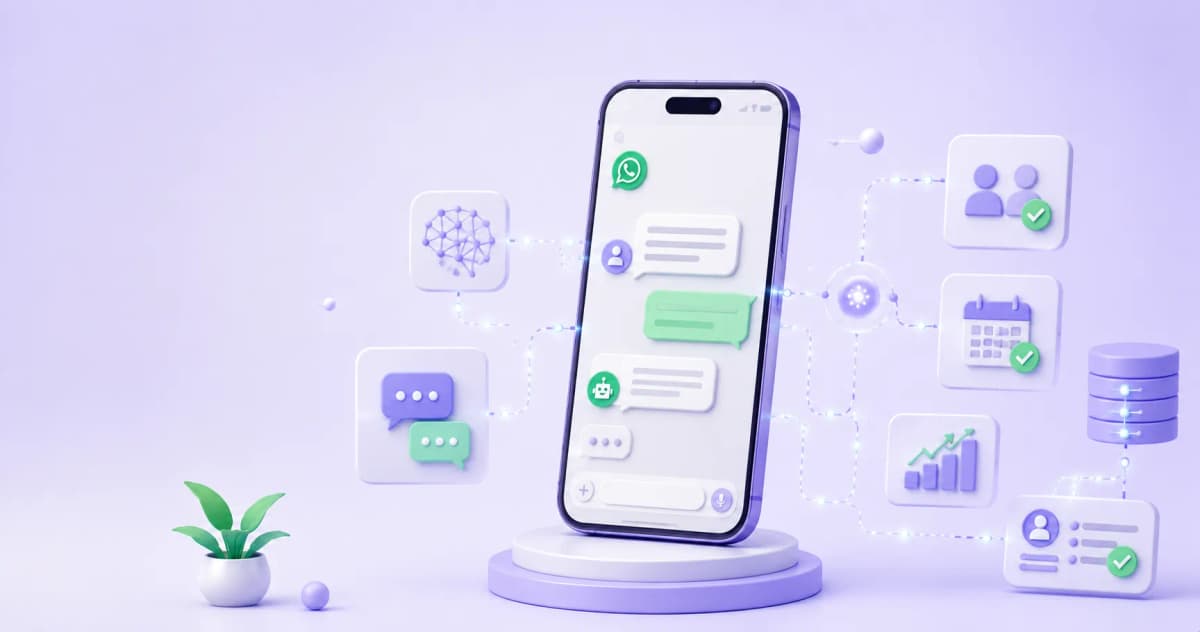
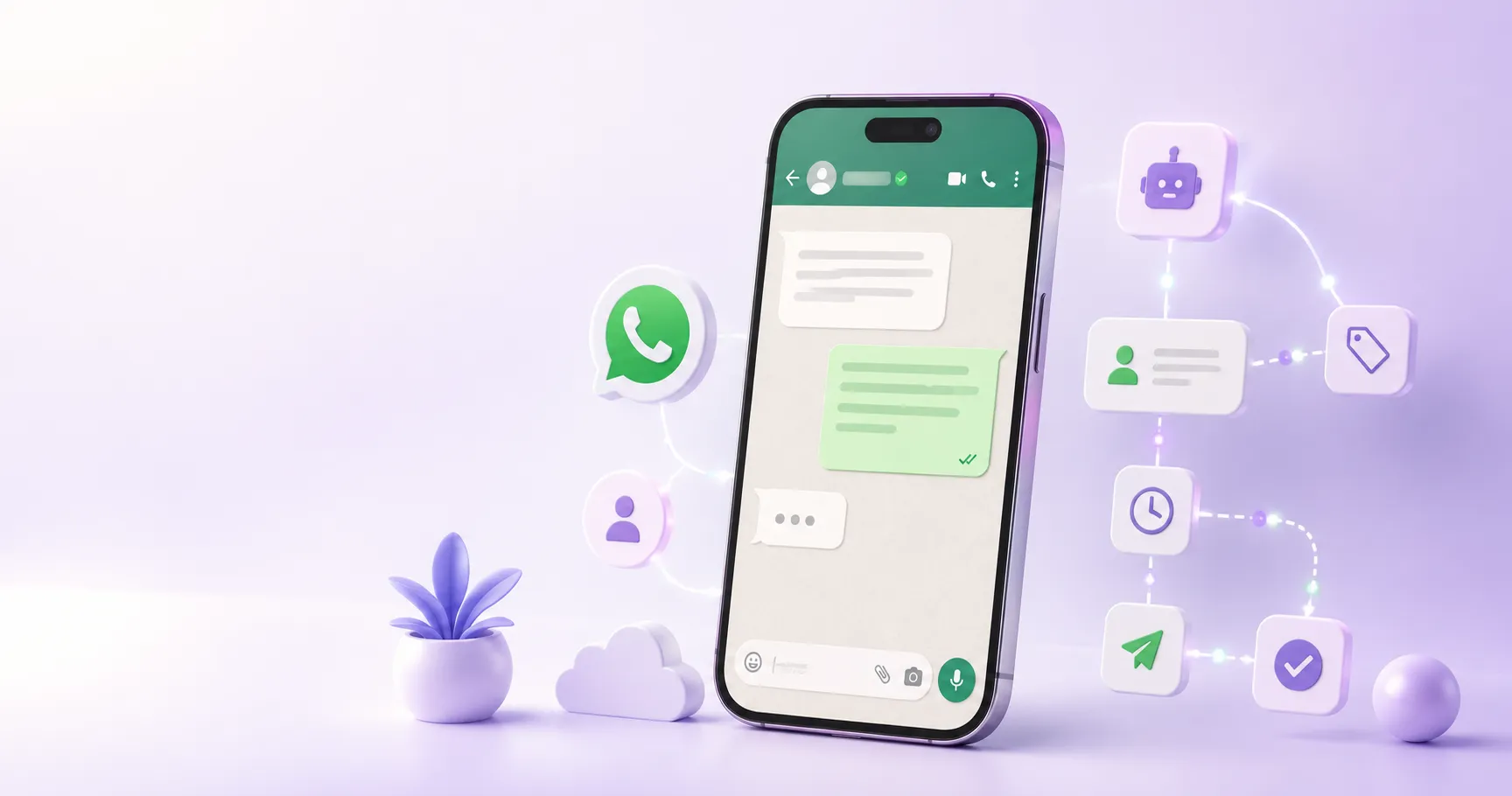
Most "WhatsApp bots" that small businesses use today are decision trees in disguise — they work when the user follows the script and break the moment they say something unexpected. AI agents are a different category: they understand natural language, maintain context across the conversation, and can take actions without anyone having pre-programmed every possible response in advance.
The Real Difference: Rule-Based Bot vs Autonomous AI Agent
Not everything marketed as "intelligent WhatsApp automation" is the same. The technical distinction matters because it determines what the system can handle on its own versus what needs a human:
|
Capability |
Rule-based bot (basic ManyChat, fixed flows) |
Autonomous AI agent (LLM + WhatsApp API) |
|---|---|---|
|
Responds to off-script questions |
No — falls back to human or shows error |
Yes — understands intent even when the user doesn't use the expected words |
|
Remembers context within the same conversation |
Only if every branch was explicitly programmed |
Yes — maintains history and adjusts responses based on what was already said |
|
Qualifies prospects in natural language |
No — only if they answer the bot's exact options |
Yes — can ask open questions and extract information without preset choices |
|
Connects to external systems (CRM, calendar, database) |
Yes, with Zapier/Make integrations |
Yes, and can decide when to make the call based on conversation context |
|
Maintenance cost when the business changes |
High — every branch needs reprogramming |
Low — update the agent's instruction document, not every individual flow |
|
Approximate monthly cost |
$15–$45/month (ManyChat Pro) |
$50–$200/month depending on message volume |
Rule-based bots remain the right tool for highly structured flows: service menus, appointment confirmation, sending a quote by service type. Where they fail is in open-ended qualification and conversations where the prospect has questions outside the menu.
What an AI Agent Can Do on WhatsApp That a Bot Can't
1. Handle Unexpected Questions Without Escalating to a Human
A prospect who comes in through a Meta Ads Click-to-WhatsApp campaign rarely follows the script. They ask things like "what if I already have something set up but want to switch?" or "does this work for a service business with clients in different cities?" A rule-based bot has no answer — the AI agent understands the intent and responds with the right context.
2. Qualify in Natural Language
Instead of: "What's your budget? A) under $500 B) $500–$2,000 C) over $2,000" — the agent can ask "What type of client are you trying to reach and what outcome are you looking for in the next 90 days?" and extract from the open response whether the prospect has budget, urgency, and fit for the service.
3. Maintain Context Across the Conversation
If the prospect mentioned in message 3 that they run a health and wellness business, the agent can use that information in message 8 to tailor an example or recommendation — without anyone having explicitly programmed that as a branch in a flow.
4. Connect to External Systems in Real Time
The agent can check availability in Google Calendar before offering a time slot, log the lead in the CRM with data captured during the conversation, or send a specific document based on the prospect's response — without the user filling out any form.
5. Scale Without Losing Personalization
A business owner with three employees can have 200 simultaneous conversations at 11 pm and each prospect receives a contextual response — not a generic "we'll get back to you during business hours" message.
Tech Stack for Small Businesses
The technology to build WhatsApp AI agents is now accessible without a large technical team. These are the most common paths in 2026:
|
Platform / Stack |
Approx. monthly cost |
Technical complexity |
Best for |
|---|---|---|---|
|
ManyChat Pro + AI Step |
$45–$65/month |
Low — visual interface |
Structured flows with AI for open-ended questions |
|
Make + OpenAI + WhatsApp Business API |
$60–$150/month by volume |
Medium — requires scenario configuration |
Businesses that want full flow control |
|
n8n + OpenAI + WhatsApp Cloud API |
$20–$80/month (self-hosted) |
High — requires technical knowledge |
Agencies and businesses with internal tech teams |
|
Voiceflow + WhatsApp |
$50–$200/month |
Medium |
Agents with multiple conversation paths |
|
BSP native tools (Gupshup, 360dialog) |
Variable by messages |
Low to medium |
High volumes of transactional messages |
For most small businesses, the lowest-friction path in 2026 is ManyChat Pro with the AI Step activated: it keeps the familiarity of the visual interface, adds the ability to respond to open-ended questions at the nodes where fixed flows don't reach, and doesn't require hiring a developer.
Real Use Cases by Business Type
Real estate agent:
The prospect arrives through a Click-to-WhatsApp ad for a property. The AI agent asks 3 questions (property type, price range, purchase timeline), determines whether they're pre-qualified, and if so, books a 15-minute call directly on the agent's calendar — all before the agent sees the message. The prospects who reach the call have already confirmed budget and urgency.
Coach or consultant:
The prospect arrives through an Instagram post. The agent understands the problem they described ("I want to scale but don't know how to delegate") and asks two questions to determine where the business is in its growth stage. If the profile matches the Mastery program, it sends a discovery call proposal with the scheduling link. If not, it sends a free resource and adds the contact to a 21-day nurturing sequence.
Doctor or dentist:
The patient writes "I'd like to book a cleaning appointment." The agent checks availability on the practice's calendar, offers three possible time slots, confirms the chosen one, and automatically sends pre-appointment preparation instructions. The next day it sends a reminder. All without the receptionist touching the phone.
Insurance agent:
The prospect responds to a "free quote" ad. The agent asks 4 qualifying questions (coverage type, dependents, age range, existing coverage), generates a profile summary, and assigns the contact to the sales agent's queue with priority based on the detected urgency profile.
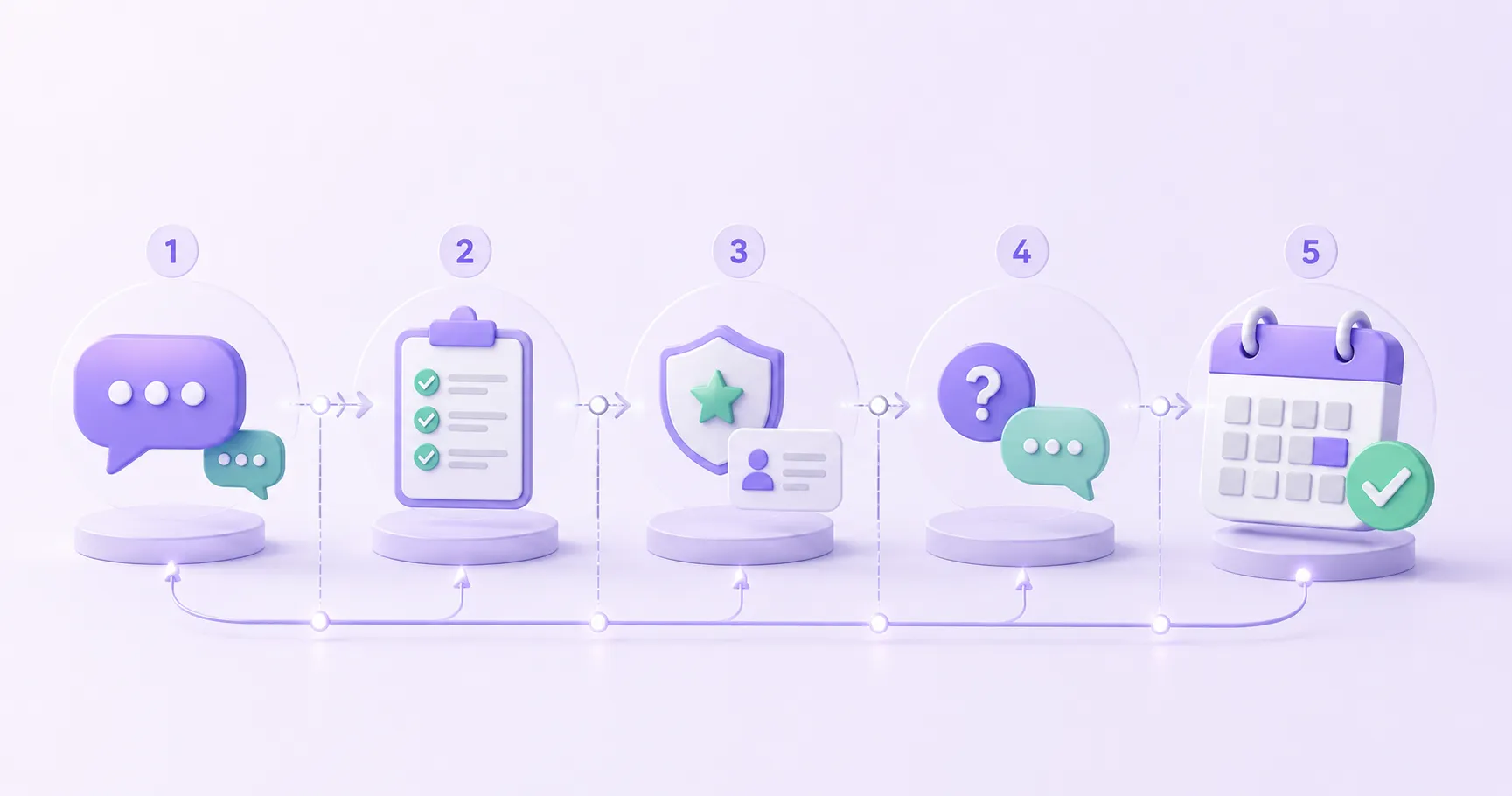
How to Build Your First WhatsApp AI Agent in 5 Steps
Step 1 — Define the specific job the agent will do
Not "automate WhatsApp" — be specific: qualify leads from Meta Ads and book calls? Answer frequently asked questions before the appointment? Reactivate inactive prospects? An agent with a clear job gets built and maintained in hours; one with a vague job fails in weeks.
Step 2 — Choose the platform based on your volume and budget
If you process fewer than 500 conversations per month, ManyChat Pro with the AI Step is sufficient. If you exceed that volume or need to connect with multiple systems, evaluate Make + OpenAI + WhatsApp Cloud API.
Step 3 — Write the agent's system prompt
This is the instruction document that defines: tone, what it can and can't respond to, which qualifying questions it should ask, when to escalate to a human, and how it should represent the business. 80% of the agent's quality lives in this document, not in the technology.
Step 4 — Connect the entry channel
Click-to-WhatsApp from Meta Ads, keyword trigger from ManyChat on Instagram, direct link in bio, or QR code on physical materials. Each entry channel can lead to a different flow within the same agent.
Step 5 — Define the human escalation condition
The agent doesn't replace the human at the close — it prepares the ground for it. Define the exact moment when the agent should transfer the conversation: when the prospect says "I want to talk to someone," when it detects budget and urgency together, or when the conversation has gone more than 8 messages without resolving.
What AI Agents Still Don't Replace in 2026
Conversational AI is not good at three things that remain critical in service sales:
Emotional judgment in high-tension moments: when a prospect is indecisive, frustrated, or just had a bad experience with another provider, the agent can make things worse with a technically correct but emotionally tone-deaf response. Those moments need a human.
Complex price negotiations: the agent can handle simple objections, but a negotiation with multiple variables — scope, timeline, payment structure — still requires the professional's presence.
Trust-building in high-ticket sales: for services at $5,000+/month, buyers typically want to speak with a person before committing. The agent can qualify and nurture — the close usually needs a call or video meeting.
The most effective strategy in 2026 isn't "replace everything with AI" — it's using the agent to eliminate low-value work (repetitive responses, basic qualification, appointment confirmation) and free the professional for the work only a human can do.
Ready to Get More Clients?
At Asio, we teach you to implement these strategies step by step through the Mastery program — combining Meta Ads, ManyChat, and conversational automation so you get more appointments and close more sales, without relying on manual messages.