Back to Blog
Create an Instagram Chatbot for Your Service Business (From Scratch, Without Paying)
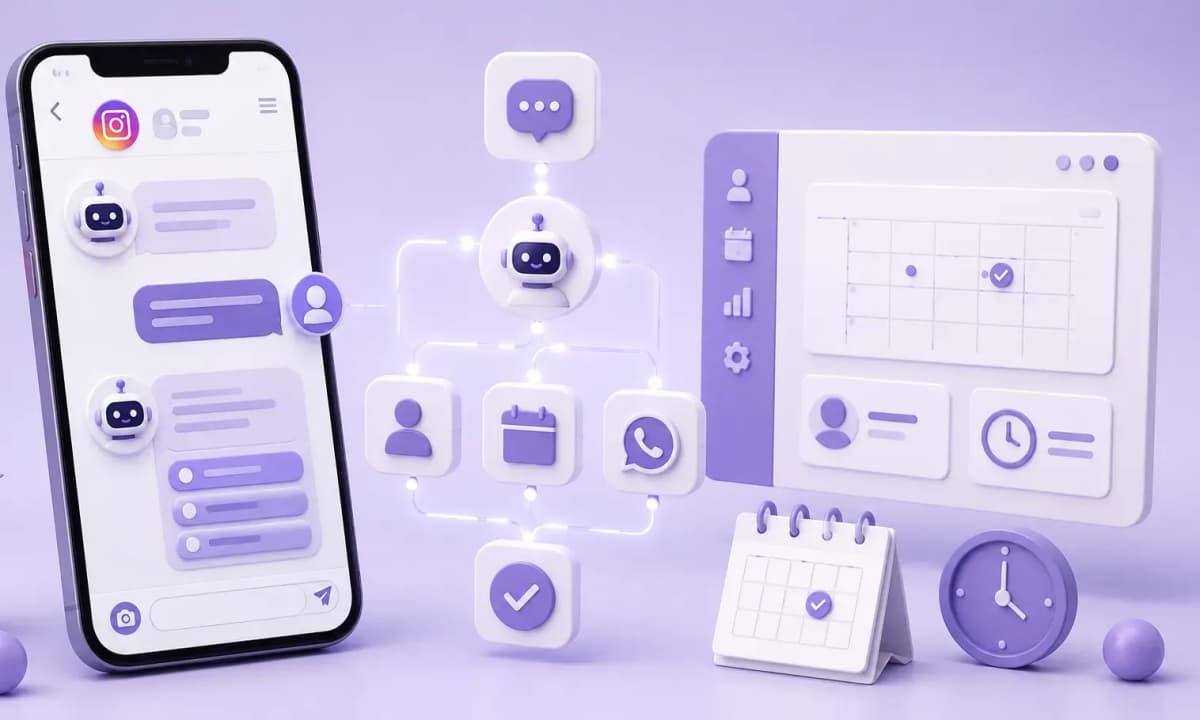
ManyChat's free plan is enough to build the first automation flow a clinic or consulting practice needs: a keyword trigger that responds instantly, qualifies the lead, and delivers a booking link — without anyone needing to be at their phone.
What ManyChat's Free Plan Includes (and What It Doesn't)
Before building, it helps to know what you're working with. ManyChat's free plan allows:
- Up to 1,000 active contacts
- Keyword triggers on Instagram posts and stories
- A basic conversation flow (messages, questions, buttons)
- Automatic DM reply when someone comments a keyword
- Automatic DM reply when someone messages with a keyword
What the free plan does not include:
- Scheduled message sequences (drip campaigns) — requires Pro (~$15/month)
- Advanced conditions and multiple branching paths
- Direct integrations with HubSpot or Calendly (available via webhook on Pro)
For a clinic or consulting practice just starting to automate, the free plan covers the first 2–3 months while the system is being validated. Instagram DMs have an open rate above 90%, per ManyChat — the channel already works; the automated flow is what's missing.
The Minimum Flow You Need: Trigger → Qualification → Booking
The basic flow that works for clinics and consulting businesses always follows the same structure, regardless of the service:
1. Keyword trigger
You post a Reel or feed post with a specific CTA: "Comment APPOINTMENT and I'll send you availability." When someone comments that word, ManyChat sends a DM automatically within seconds.
2. Welcome message + qualification question
The first DM isn't just "Hi." It's a question that qualifies the lead and personalizes the response:
For a dental clinic:
"Thanks for reaching out! What would you like to book? (A) Cleaning & checkup · (B) Whitening · (C) Orthodontics · (D) Something else"
For a coach or consultant:
"Glad you reached out! What's the main challenge you want to solve? (A) Getting more clients · (B) Managing my time · (C) Scaling my business · (D) Something else"
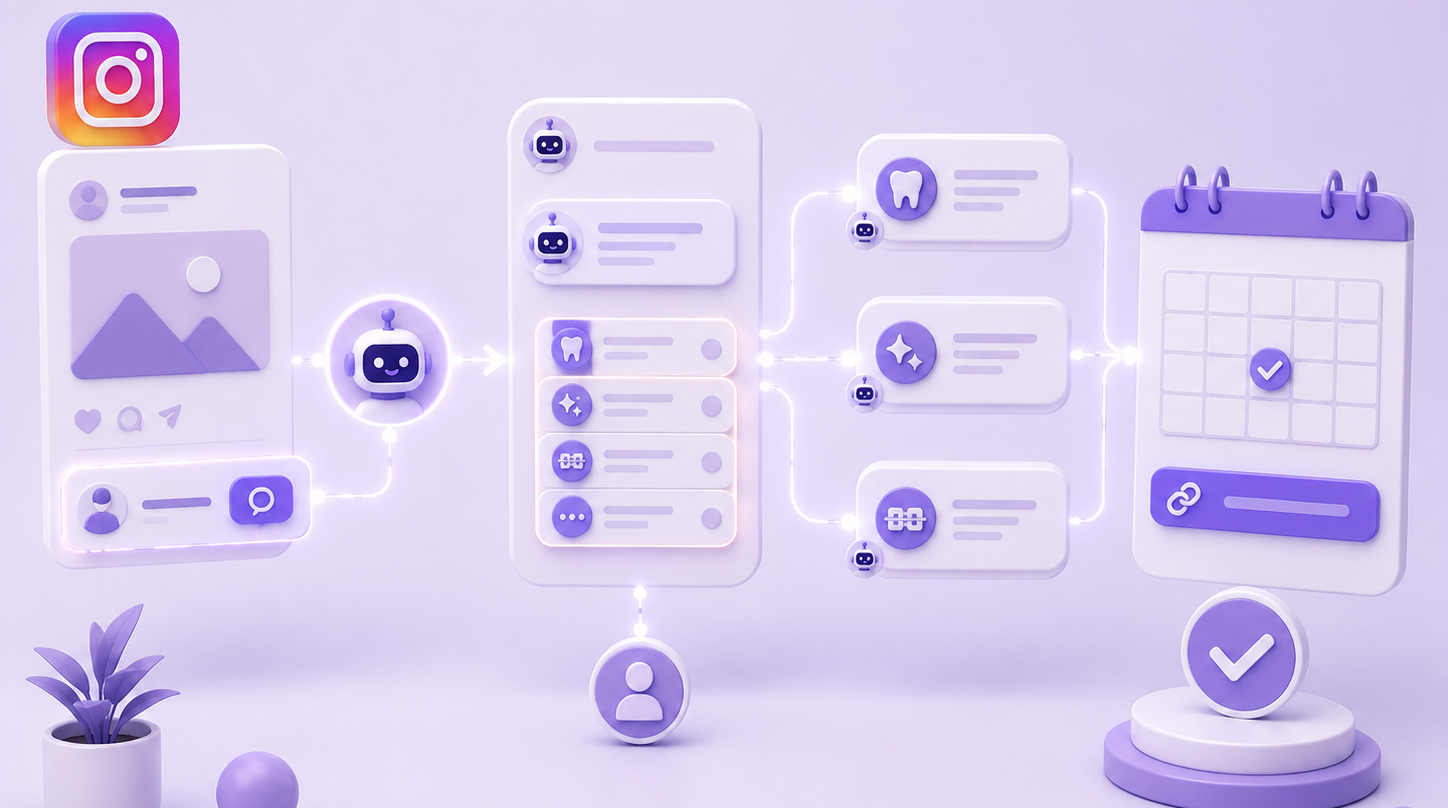
3. Response based on selection + booking link
Based on what the lead selects, ManyChat sends a tailored response and the Calendly link or WhatsApp number to confirm the appointment.
|
Step |
What ManyChat does |
Real time |
|---|---|---|
|
Lead comments keyword |
Sends automatic DM |
< 10 seconds |
|
Lead selects option |
Sends response + booking link |
Immediate |
|
Lead doesn't reply in 24h |
Follow-up reminder (Pro) |
Scheduled |
Accounts using comment-triggered automation see 3–5x more DM conversations per post than those responding manually, per ManyChat — and none of those conversations require the professional to be available at that moment.
How to Set It Up: The 4 Real Steps
Step 1 — Create a free ManyChat account
Go to manychat.com and sign up with your business Instagram account. The connection process takes under 5 minutes and requires no technical credentials.
Step 2 — Create the comment trigger
In the ManyChat dashboard: Automation → Comment Growth Tool → select the post → define the keyword (e.g. "APPOINTMENT") → enable "Reply with DM."
Step 3 — Build the flow
In the Flow Builder, create the sequence: welcome message → option buttons → closing message with booking link. For the text of each message, ChatGPT or Claude can generate variations by treatment or service type in under 5 minutes.
Step 4 — Test before publishing
Before activating the flow on a live post, use test mode: ManyChat lets you simulate the full conversation from the dashboard. Verify that each button leads to the right message and that the booking link works.
When It's Worth Upgrading to a Paid Plan
The free plan makes sense until lead volume outgrows it. Signs that it's time to move to Pro:
- You exceed 1,000 active contacts
- You need automatic appointment reminders (scheduled sequences)
- You want leads automatically logged in HubSpot without manual copying
- You have more than one service and need separate flows per inquiry type
ManyChat Pro costs approximately $15/month at low volumes — less than the cost of one lost appointment from a slow reply.
Ready to Get More Clients?
At Asio, we teach you to implement these strategies step by step through the Mastery program — combining Meta Ads, ManyChat, and conversational automation so you get more appointments and close more sales, without relying on manual messages.