Back to Blog
Using WhatsApp Groups as a Sales Channel: Converting Community into Clients in 2026
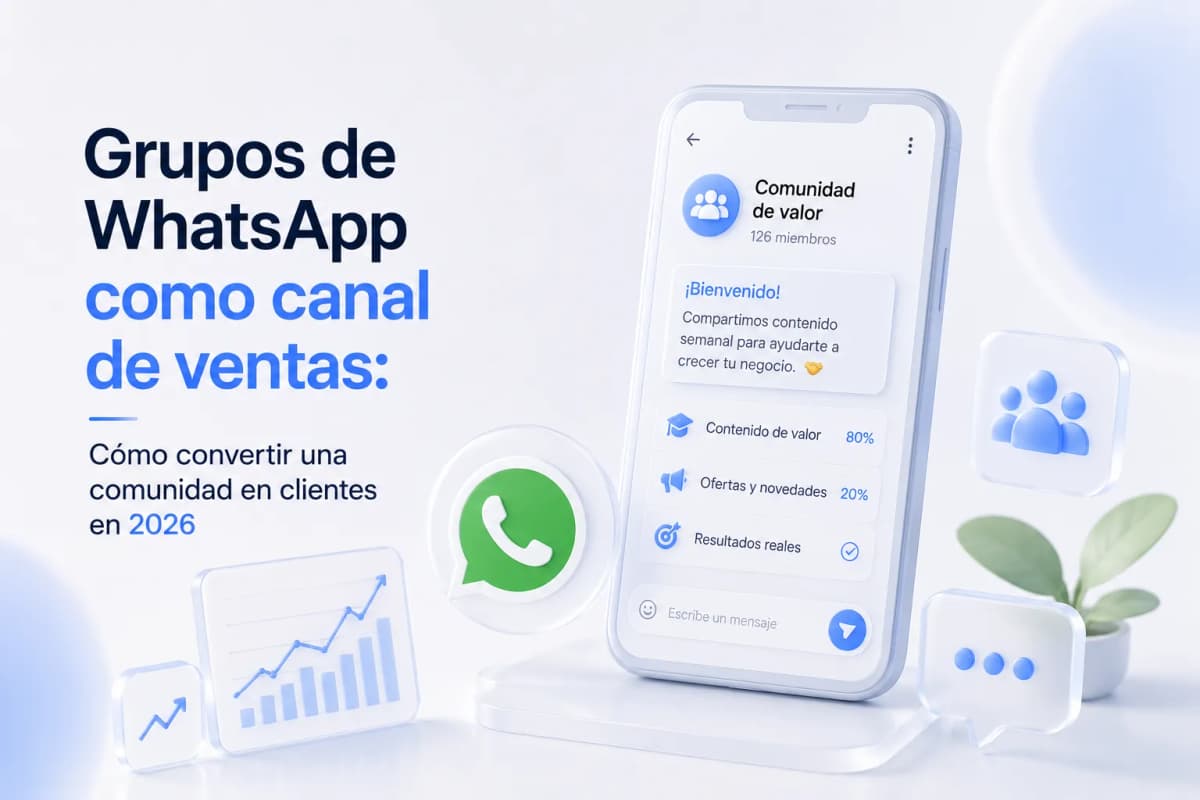
A WhatsApp group without a strategy is a well-intentioned spam channel — the difference between one that generates clients and one that annoys members comes down to the type of group you build, what you publish in it, and how you move members toward a sales conversation.
The 3 Group Types and What Each One Is For
Not all WhatsApp groups serve the same purpose. Using the wrong type for what you want to achieve is the most common reason groups go quiet or get abandoned by the admin.
|
Type |
Who's in it |
What you publish |
Goal |
|---|---|---|---|
|
Value group |
Prospects and unconverted leads |
Educational content, case studies, frameworks |
Build authority and filter interest |
|
Client group |
Active clients only |
Service updates, support, resources |
Retention and upsell |
|
Broadcast channel |
Wide audience (WhatsApp Channels) |
Announcements, launches, reminders |
Mass reach without group interaction |
Most coaches and consultants mix all three and end up with a group that serves none of them. The basic rule: one group = one purpose. If you want to sell, the value group is the entry point — not the client group and not the broadcast channel.
The 80/20 Rule: What to Publish and How Often
The 80/20 rule in a sales group means 80% of your content generates value without asking for anything, and 20% can present an offer or ask for an action. Flip that ratio and the group becomes spam.
Weekly calendar that works:
|
Day |
Content type |
Concrete example |
|---|---|---|
|
Monday |
Actionable tip or framework |
"The mistake consultants make when pricing their services — and how to fix it today" |
|
Wednesday |
Case study or mini testimonial |
"Sarah came in with no sales system. In 8 weeks she closed 3 contracts. Here's what we did:" |
|
Friday |
Offer or CTA |
"This week I have 2 spots for a diagnostic call. If you're interested, reply 'YES' here" |
What doesn't work:
- Posting every day without structure — members mute the group
- Only posting when you have something to sell — the group loses credibility
- Asking members to "share" or "tag someone" — creates noise without quality
Monday and Wednesday content builds the context that makes the Friday offer credible. Without the first two, the third is just noise.
How to Build a Group of 100–500 Qualified Members
Size doesn't matter if the members aren't your ideal client. A group of 50 qualified people sells more than one of 500 random contacts.
Three entry sources that work:
Meta Ads with a direct group CTA
The ad takes the prospect to a WhatsApp DM → the bot qualifies with 2 questions → if they pass the filter, they receive the group invite link. Those who don't qualify enter a nurturing sequence, not the group.
Instagram Stories with an invite link
"I share [specific topic] every Monday in my WhatsApp group — if you want in, message me here." The story link goes to an Instagram DM → transition to WhatsApp → same qualification flow.
Existing contact list with a personalized message
Don't bulk-import. Send an individualized message: "Hi [Name], I'm putting together a small group where I share [specific topic] once a week. Would that be useful for you?" Acceptance rate is higher than any mass import.
Entry rule: nobody enters the group without responding to at least one prior message. This filters passive contacts who will mute the group from day one.
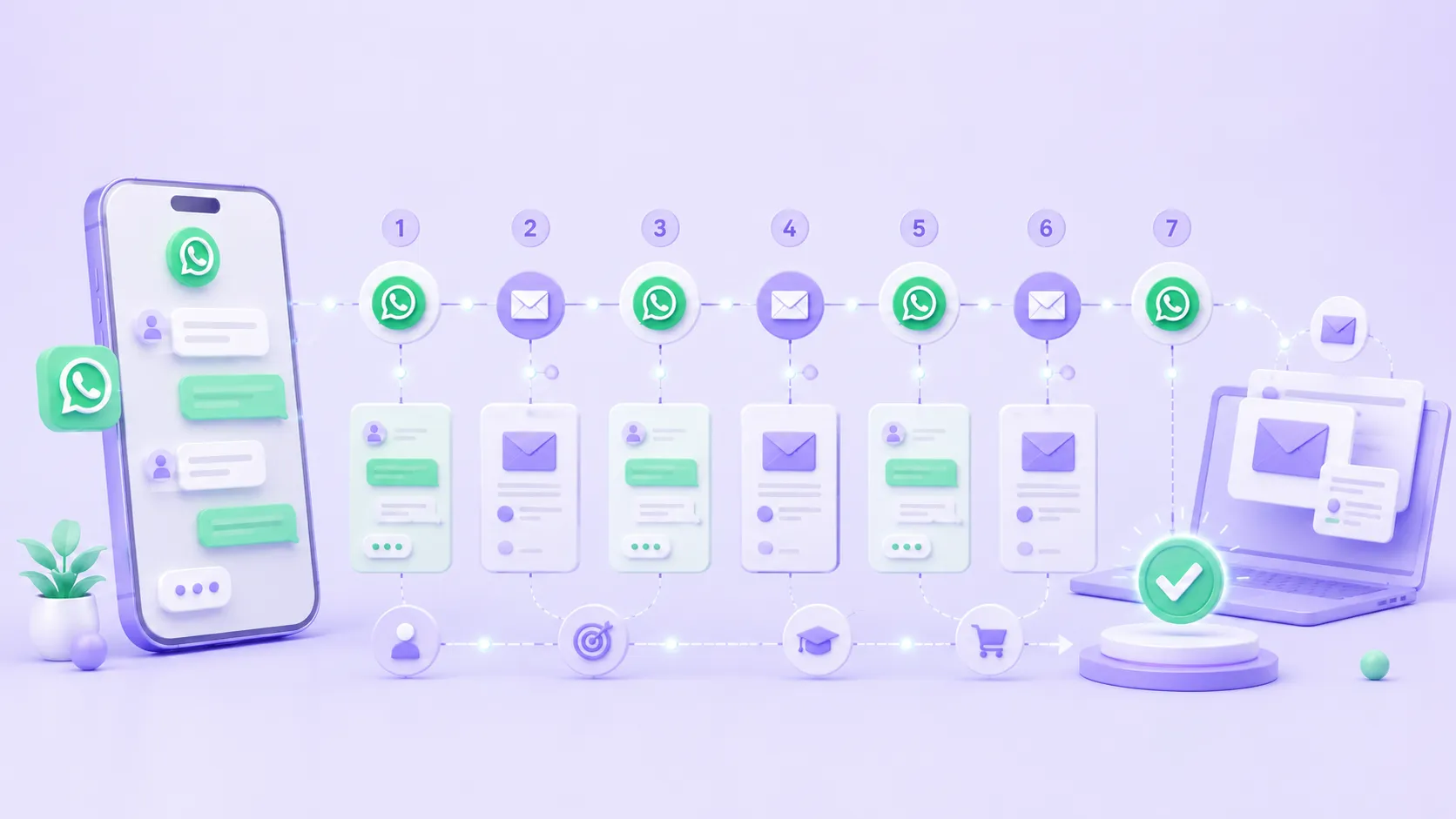
How to Launch an Offer Inside the Group: 5-Day Sequence
An offer presented without prior context inside a group has the same effectiveness as a cold ad. The 5-day sequence builds the context before presenting the price.
|
Day |
Post |
Function |
|---|---|---|
|
Monday |
"This week I'm sharing something I've been working on for a while. Come back Friday." |
Creates anticipation without revealing what's coming |
|
Tuesday |
Case study of a client who solved the problem your offer solves |
Social proof with a specific result |
|
Wednesday |
Q&A: answer the most common questions about the topic in the group |
Educate and remove objections without it feeling like a pitch |
|
Thursday |
Additional testimonial or a sample of your process |
Reinforce credibility, remind them Friday is the moment |
|
Friday |
The offer: price, what's included, deadline, and how to move forward |
Clear CTA: "Reply 'CONSULT' and I'll message you today" |
The deadline has to be real. If the offer "closes Friday" and you're still offering it the following Monday, you lose credibility for every launch that follows.
The Transition: Regular Group → WhatsApp Channels → API
WhatsApp groups have a member limit of 1,024. Before reaching that, there are signals that the format has stopped working:
- Posts get fewer responses over time
- Members start muting the group
- The admin becomes the only one posting
When to transition:
- Up to 200 members: a regular group with active moderation works well
- 200–500 members: start separating the value group from the client group if you haven't already. Consider a WhatsApp Channel for one-way broadcast messages
- 500+ members: WhatsApp Channels (one-way broadcast, no group replies) + WhatsApp Business API for automated 1:1 conversations via ManyChat
WhatsApp Channels vs. groups:
|
|
WhatsApp Group |
WhatsApp Channel |
|---|---|---|
|
Direction |
Two-way (members can reply) |
One-way (only admin publishes) |
|
Member limit |
1,024 |
No practical limit |
|
Interaction |
Full conversation between members |
Reactions only |
|
For selling |
Better — conversation is possible |
Less effective — no direct reply |
ManyChat in Groups: Entry and Exit Automation
ManyChat can't post directly inside a WhatsApp group, but it handles two critical points in the flow:
Group entry (via Instagram DM or WhatsApp):
Prospect comments on a post → bot starts a conversation → asks 2 qualification questions → if qualified, sends the group invite link with a personalized welcome message → tags QUALIFIED_BOOKING in the CRM
Exit from group to 1:1 (when a member shows interest):
Admin posts in the group: "If you want to talk about how this applies to your business, reply 'LET'S TALK' in a private message." → Member DMs → ManyChat detects the keyword → triggers deep qualification flow → if they advance, tag QUALIFIED_BOOKING + agent alert
Follow-up for inactive members:
Members who have gone 7 days without engaging with the group → automatic reactivation DM → if no response in 3 days → tag NURTURING_21D → if no response to the sequence → tag COLD_PROSPECT
Ready to Get More Clients?
At Asio, we teach you to implement these strategies step by step through the Mastery program — combining Meta Ads, ManyChat, and conversational automation so you get more appointments and close more sales, without relying on manual messages.