Back to Blog
LinkedIn for Coaches and Consultants in the US, Canada, and UK: How to Get High-Ticket Clients in 2026
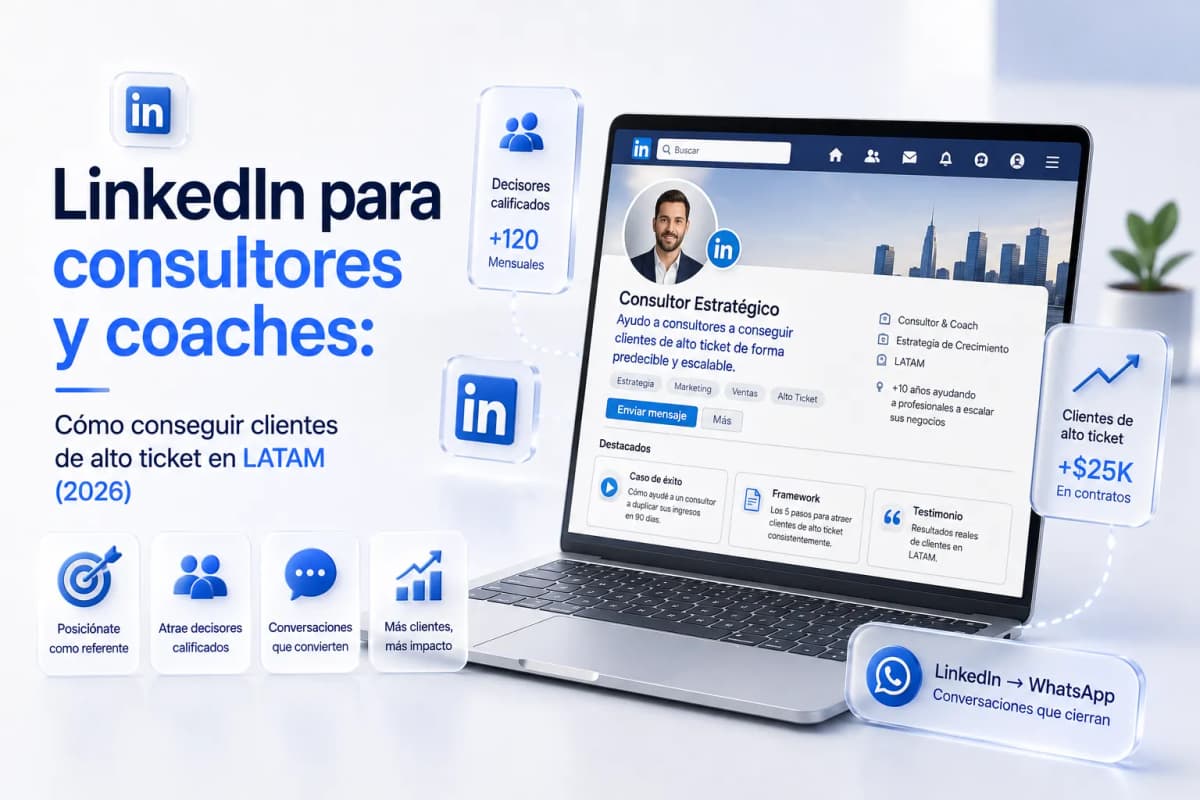
LinkedIn is the only social network where a potential client opens the app in professional mode — actively thinking about their business challenges — which makes it the highest-quality environment for positioning as an authority and attracting prospects who already intend to invest.
Why LinkedIn Works for High-Ticket When Instagram and Facebook Don't
The difference isn't audience size. It's the mindset users bring when they open the app.
|
Platform |
Mindset |
Intent |
For high-ticket |
|---|---|---|---|
|
|
Entertainment, inspiration |
Discover content |
Hard — impulse-driven, not analytical buying |
|
|
Social, news |
Connect with people |
Mixed — works for inquiries, harder for close |
|
|
Professional, learning |
Solve work problems |
Strong — user already in problem-solving mode |
|
|
Task-oriented |
Manage commitments |
Variable — depends on list quality |
A consultant who reaches a prospect on LinkedIn reaches them when they're thinking about their business — not when they're scrolling entertainment. That contextual difference explains why LinkedIn produces fewer but higher-quality conversations than Instagram.
An optimized LinkedIn profile can generate qualified inbound inquiries with 2–3 posts per week. Instagram typically requires 5–7 daily stories to produce equivalent conversation volume from the same audience.
The 3 Profile Mistakes That Drive Away Premium Clients
Your LinkedIn profile is the first filter a high-ticket prospect runs before responding to your DM or accepting your connection request. If the profile communicates poorly, the content doesn't matter.
Mistake 1: A headline that lists roles instead of outcomes
❌ Coach | Speaker | Author | Mentor
✅ I help consultants land their first 3 high-ticket clients in 90 days — without cold outreach or content overload
The optimized headline answers one question: what problem do you solve, and for whom? If the prospect has that problem, the headline stops them mid-scroll.
Mistake 2: A summary that talks about you instead of talking to the client
❌ "I'm a certified coach with 12 years of experience in business development and have worked with 300+ clients across 15 countries..."
✅ "If you've been consulting for 2+ years and still depend on referrals for new business, the problem isn't your expertise — it's your attraction system. I work with consultants in the US and Canada to build that system in 90 days."
The optimized summary addresses the prospect's problem in the first sentence, not your credentials.
Mistake 3: Empty Featured section or generic content
The Featured section is the first content a visitor sees below the headline. A generic PDF of "5 productivity tips" doesn't convert. A 90-second video explaining your methodology — or a specific client testimonial with measurable results — does.
The Content Strategy That Attracts Qualified Prospects
Posting on LinkedIn isn't the same as creating social media content. The goal isn't reach or likes — it's positioning in front of the specific type of person who hires services like yours.
Three formats that consistently generate DMs from qualified prospects:
1. Problem + Process (most effective for coaches and consultants)
Format: description of the problem your client faces, how you solved it, and the specific result. Not a generic testimonial — a mini case study with concrete details. A reader with the same problem sees you've solved it and takes action.
2. Contrarian post
Format: "Most people believe X. Actually, X is the problem."
Example: "Most coaches think they need more followers to get clients. I've seen coaches with 400 LinkedIn connections close $8,000/month — and coaches with 15,000 who can't book a single consult. The issue isn't audience size."
This format drives comments, organic reach, and DM conversations because it challenges an installed belief.
3. Actionable step-by-step
Format: the specific process you use to solve your client's core problem, in 5–7 numbered steps. Not "how to improve your sales" — "the 5 steps I use to take a consultant from 0 to their first $3,000 client in 60 days."
|
Format |
Organic reach |
Generates DMs |
Builds authority |
|---|---|---|---|
|
Problem + process |
Medium |
High |
High |
|
Contrarian post |
High |
Medium |
High |
|
Step-by-step |
Medium |
High |
Very high |
|
Personal opinion |
High |
Low |
Medium |
|
Industry news |
Low |
Very low |
Low |
Frequency: 2–3 posts per week is enough to maintain visibility without overwhelming your audience.
How to Connect With Decision-Makers Without Looking Like Spam
Most consultants on LinkedIn make the same mistake: they send a connection request with an immediate sales pitch. The prospect ignores, declines, or blocks.
The sequence that works has 5 steps with specific timing:
Step 1 — Day 1: comment on the prospect's post
A real, specific comment that adds to the thread. Not "Great post!" — that's noise. "This is exactly it — the biggest resistance I see in my clients is the same one you're describing. How did you handle it on your team?" This puts you on their radar genuinely.
Step 2 — Day 3: connection request
Message: "Hi [Name], I saw your post on [specific topic] and your point about [specific detail] was the most useful in the thread. Would love to be connected." No pitch. No product. No "I have something that might interest you."
Step 3 — Day 5 (if accepted): low-key welcome
Message: "Thanks for connecting, [Name]. I follow your work in [specific area] — what you shared about [topic] was directly relevant to a challenge I'm working on with a client right now." Nothing more. The goal is confirming you're a real person with genuine interest.
Step 4 — Day 10: value share
Share something relevant to their situation — an article you wrote that addresses a problem you've seen in their posts, or a specific observation about their industry. "I wrote something on this a few weeks ago that might be useful — [link]. Point 3 applies directly to what you were describing."
Step 5 — Day 15: the soft ask
"I see you're working on [specific area]. I have a slot this week for a quick 30-minute call — not to sell anything, just to understand if there's something I can help with. Does Thursday work?"
This sequence works because it builds context before asking. The prospect doesn't feel cold-outreached — they feel they're talking to someone who actually follows their work.
LinkedIn Ads for High-Ticket: When It Makes Sense and What to Budget
LinkedIn Ads isn't the starting point — it's the accelerator. Before investing in paid, you need an optimized profile and at least 4–6 weeks of organic content published. Ads without an organic foundation produce clicks but not conversions.
When LinkedIn Ads makes sense:
- Average ticket above $1,500 USD
- Very specific target audience (job title + industry + company size)
- You have 2–3 case studies with measurable results
When it's too early:
- Your profile isn't optimized yet
- You have no published content backing the offer
- Your ticket is under $800 USD (LinkedIn's lead costs rarely justify lower tickets)
Formats and performance in English-speaking markets:
|
Format |
Best for |
Approximate cost (US/CA/UK) |
|---|---|---|
|
Sponsored Content |
Visibility + authority building |
$6–15 USD per click |
|
Message Ads |
Direct outreach to decision-makers |
$0.50–1.20 USD per send |
|
Lead Gen Forms |
Direct prospect capture |
$30–80 USD per lead |
A realistic starting budget: $500–1,000 USD/month for 60–90 days. At that level you'll have enough data to determine whether the channel is worth scaling before committing to a larger spend.
The LinkedIn → Call Flow That Books Consulting Appointments
LinkedIn attracts. The call closes.
Once you've established genuine conversation in LinkedIn DM, move to a scheduled call for the actual pitch.
The transition message:
"To share the specifics of what I do and see if it makes sense for your situation, it's easiest to jump on a quick call. I have 20-minute slots this Thursday and Friday — what works?"
Most prospects in the US and Canada are comfortable with Zoom or Google Meet for professional calls. Send a calendar invite with a short prep note — one sentence on what the call will cover, so they show up mentally ready.
For higher-volume follow-up after the call:
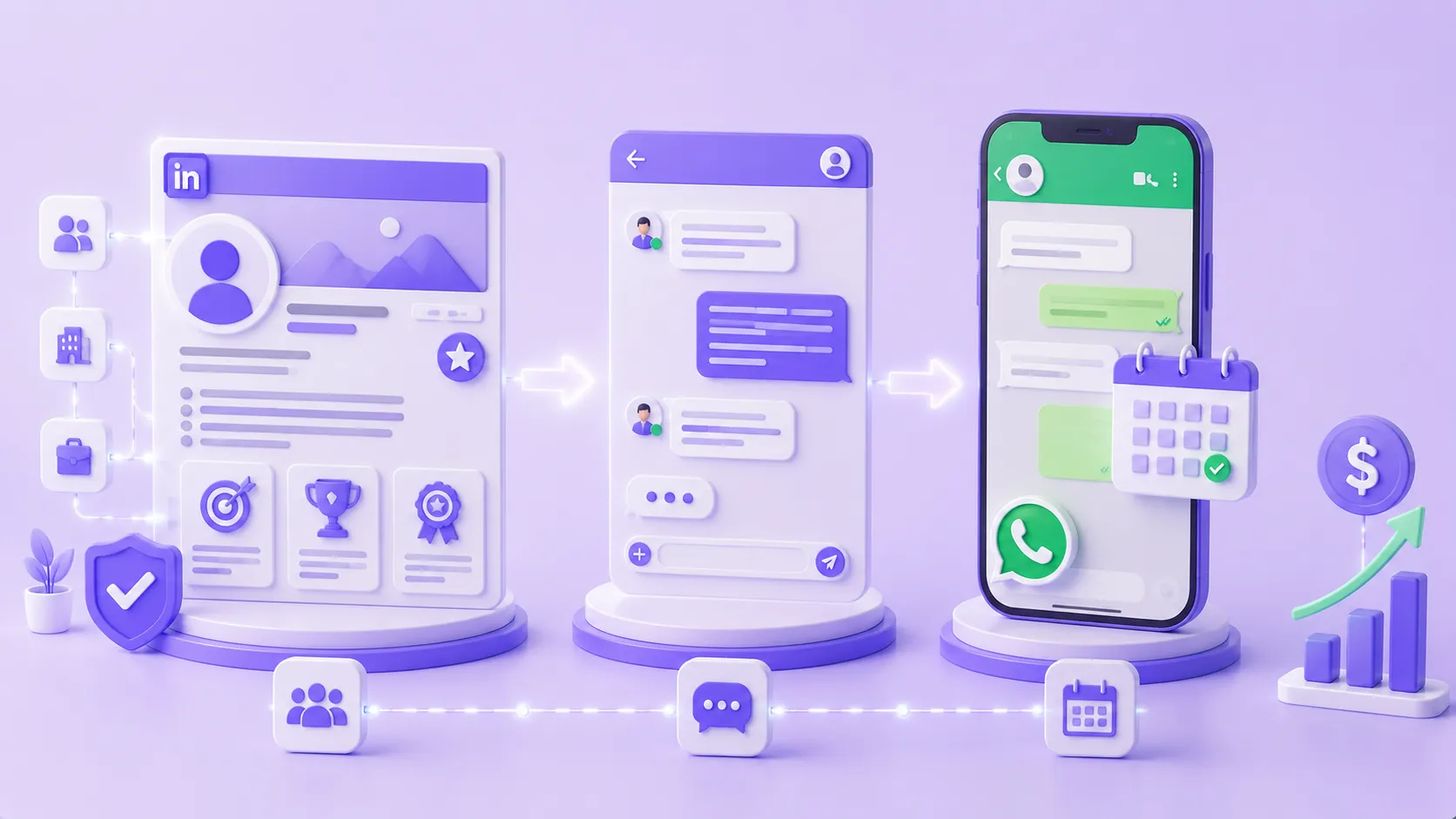
For consultants running consistent LinkedIn conversation volume, email or WhatsApp follow-up sequences can be automated. Tags like QUALIFIED_BOOKING, NURTURING_21D, and COLD_PROSPECT help segment follow-up cadences based on where the prospect landed after the initial call — keeping qualified leads moving without manual tracking.
Ready to Get More Clients?
At Asio, we teach you to implement these strategies step by step through the Mastery program — combining Meta Ads, ManyChat, and conversational automation so you get more appointments and close more sales, without relying on manual messages.