Back to Blog
ManyChat AI: Setting Up Intelligent Responses That Sound Like You (Without Coding)
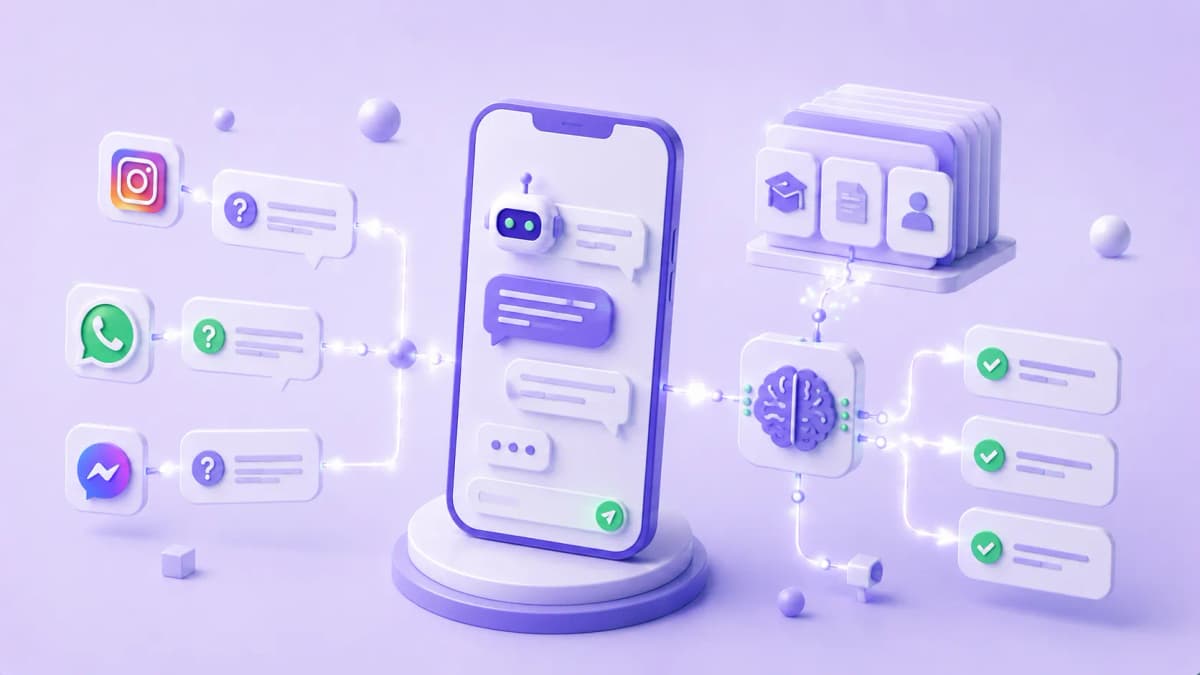
The number one fear coaches and consultants have about automating their DMs is sounding like a bank's chatbot — rigid, cold, and asking users to "choose option A or B." ManyChat's AI Steps and Knowledge Base solve exactly that: instead of fixed responses triggered by exact keywords, the AI generates contextual replies using the information you give it about your business and the tone you define.
What AI Steps Are and Why They're Different From Traditional Flows
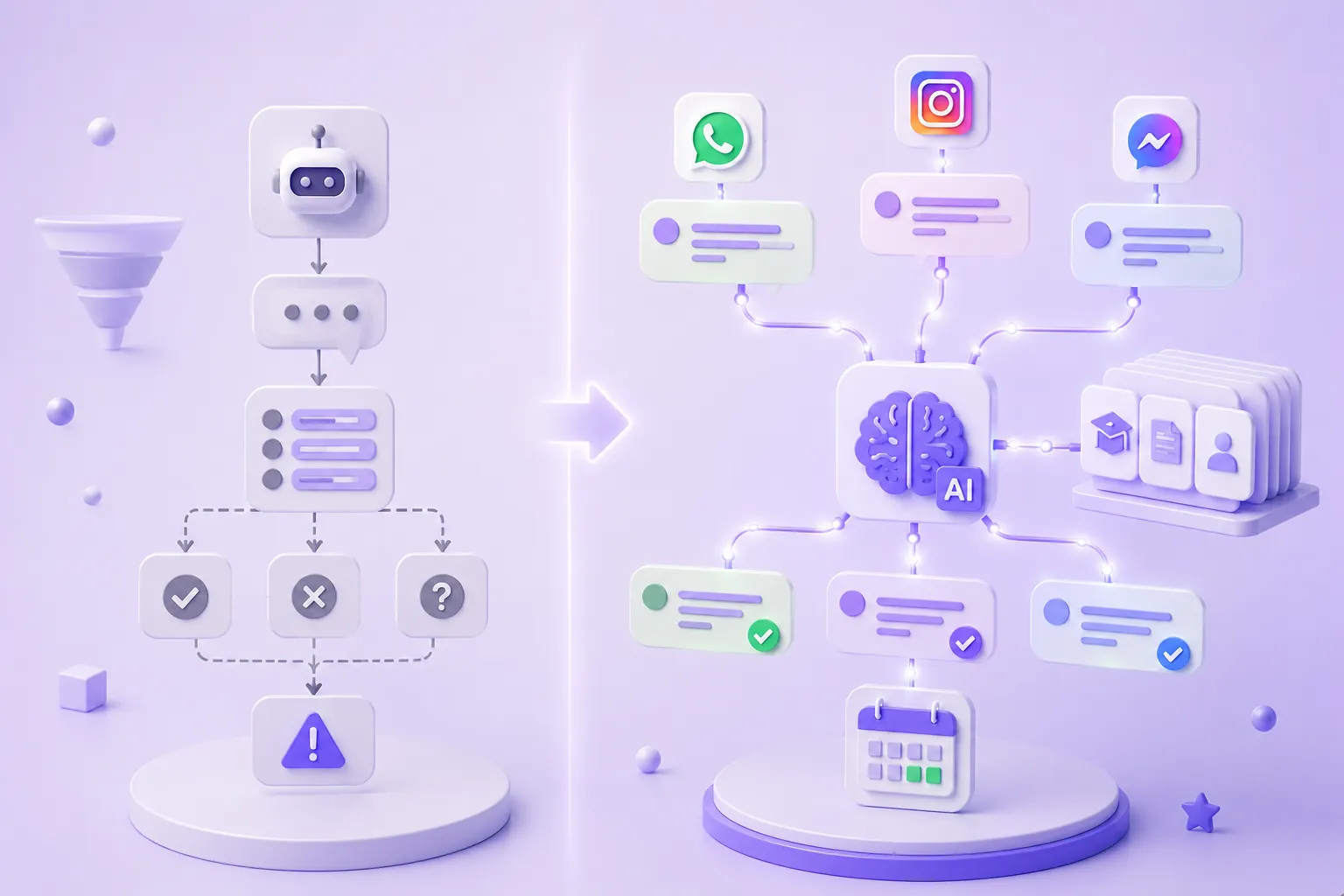
A traditional ManyChat flow works by exact match: if the message contains the keyword "price," send response A. If it contains "schedule," send response B. Any message that doesn't match a keyword hits a "I didn't understand your message" — and the conversation dies.
AI Steps (available on ManyChat Pro) work differently: they receive the prospect's message, consult your Knowledge Base, follow your system prompt instructions, and generate a contextual response. The prospect can write however they want — run-on questions, typos, informal language — and the AI understands the intent and responds coherently.
|
|
Traditional keyword flow |
AI Step (ManyChat AI) |
|---|---|---|
|
Trigger |
Only if the message contains the exact keyword |
Any message — understands intent |
|
Response |
Fixed, predefined |
Generated from context + Knowledge Base |
|
When it doesn't understand |
"I didn't understand, choose an option" |
Best available response from context |
|
Objection handling |
Only anticipated objections |
Handles new objections using the KB |
|
Personalization |
Basic variables (name, etc.) |
Adapts tone and content to the conversation |
How to Train the Knowledge Base With Your Business Content
The Knowledge Base (KB) is the reference the AI uses to answer questions. Without a well-built KB, the AI responds with generic information — or worse, makes things up. With the right KB, it responds with the specific details of your program, your methodology, and how you work.
What to include in your Knowledge Base:
Program information:
- Name, duration, format (group / one-on-one / asynchronous)
- What's included and what's not
- Who it's for and who it's NOT for
- The concrete result a client can expect
Frequently asked questions with your actual answers:
Not corporate-speak — the answers you'd give in a real conversation. If someone asks "how much does it cost?", what do you actually say? That goes in the KB.
Handling common objections:
- "It's too expensive" → your usual response
- "I need to think about it" → your usual response
- "What's your guarantee?" → your usual response
What should NOT be in the Knowledge Base:
- Exact prices if you prefer to reveal them on a call
- Client information
- Specific results promises without context
The System Prompt: Where You Define the Voice and the Rules
The system prompt is the set of instructions you give the AI about how to behave. It's what turns a generic AI into one that sounds like you.
Example system prompt for a business coach:
You are the assistant for [Name], a business coach specializing in coaches and consultants. Your role is to answer questions about the program, qualify prospects, and schedule diagnostic sessions.Tone: warm, direct, no jargon. Use first names. Avoid words like "certainly," "absolutely," "of course," "definitely," "great question." Write the way you'd text a colleague.Rules: do not quote exact prices — say it depends on the plan and offer the diagnostic session to discuss further. If you don't know something, say "let me check with the team and get back to you" — never make up information. If the question is outside your scope, say it's not your area and redirect.
Key instructions every system prompt must include:
- Role and business context (who you are, who you help)
- Explicit tone (words to use, words to avoid)
- What to do when the AI doesn't know the answer (never invent)
- What not to quote or promise directly
- The goal of the conversation (book a call, qualify, nurture)
The Difference in Practice: Robotic vs. Natural
Price question
❌ Keyword bot:
Prospect: "How much does your program cost?"
Bot: "The program costs $1,500 USD. For more information reply YES."
✅ AI Step + Knowledge Base:
Prospect: "How much does your program cost?"
Bot: "It depends on how quickly you want to move — we have two options based on where you are. Before I give you the details, tell me: do you already have clients right now, or are you building your base?"
The second response doesn't quote a price, re-qualifies the prospect, and advances the conversation.
"I need to think about it" objection
❌ Keyword bot:
Prospect: "Let me think about it"
Bot: "Of course, reach out when you're ready."
✅ AI Step + Knowledge Base:
Prospect: "Let me think about it"
Bot: "Totally makes sense. What part has you on the fence — the time commitment, the results you can expect, or something about the investment?"
The second response opens up the real objection instead of losing the lead.
Off-script question
❌ Keyword bot:
Prospect: "Does this also work for product-based businesses?"
Bot: "I didn't understand. Please choose: A) Pricing B) Schedule C) More info"
✅ AI Step + Knowledge Base:
Bot: "The program is built mainly for digital service businesses — coaches, consultants, agencies. For product businesses, some parts apply and others don't. Tell me more about what you do and I can give you a clearer answer."
Ready to Get More Clients?
At Asio, we teach you to implement these strategies step by step through the Mastery program — combining Meta Ads, ManyChat, and conversational automation so you get more appointments and close more sales, without relying on manual messages.