Back to Blog
30-Day Content Plan for Coaches on Instagram: A Daily Lead Generation Calendar
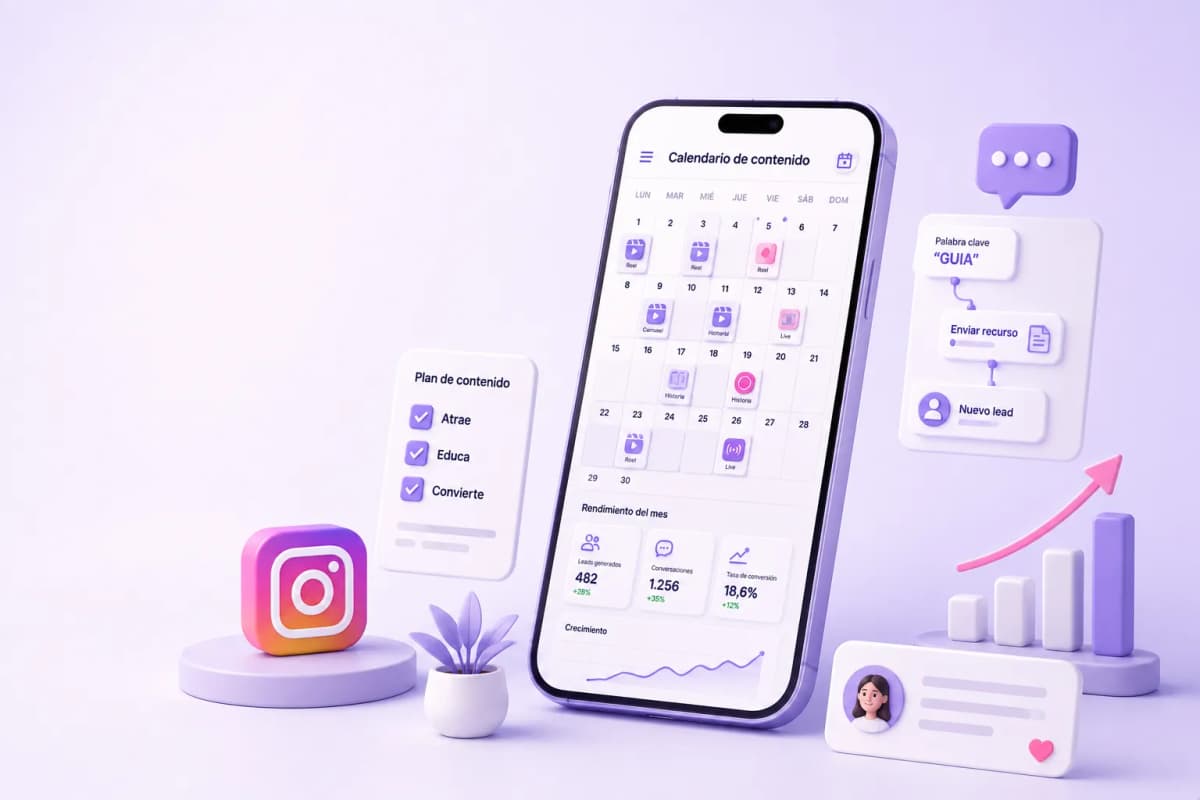
Posting without a strategy is noise. Not posting is invisibility. The real problem for most coaches on Instagram isn't a lack of ideas — it's the absence of a system that turns each post into a lead capture opportunity instead of just collecting likes. This calendar solves both problems: it provides 30 specific topics and assigns each one the right ManyChat trigger so the content runs as a 24/7 capture system.
The ATTRACT-EDUCATE-CONVERT Framework: The Logic Behind the Calendar
A month of content without structure ends up being random. The AEC framework divides the month into three phases with distinct goals:
- ATTRACT (week 1): content that speaks to the prospect's pain before mentioning coaching. The goal is reach, not sales. Someone who doesn't know you needs to see themselves reflected in your content before they care what you offer.
- EDUCATE (week 2): content that demonstrates you have a system, a method, or real results. The goal is authority and trust.
- CONVERT (weeks 3–4): content that actively invites an action — a free session, a resource, a program application. Conversion only works after ATTRACT and EDUCATE have done their job.
Instagram Reels generate 22% more interactions than standard video posts, per Socialinsider. And accounts using comment-triggered keyword automation see 3–5x more DM conversations per post than those responding manually, per ManyChat. The calendar is designed to maximize both effects.
The Full Calendar: 30 Days, 30 Posts
|
Day |
Format |
Topic |
Goal |
ManyChat keyword trigger |
Destination flow |
|---|---|---|---|---|---|
|
1 |
Reel |
"3 signs you need a coach right now" |
Attract |
SIGNS |
Lead magnet: free checklist |
|
2 |
Carousel |
"The #1 mistake that holds my clients back before we work together" |
Educate |
— |
Save (passive nurturing) |
|
3 |
Story |
Poll: "What's your biggest obstacle this month?" |
Conversation |
— |
Direct DM on reply |
|
4 |
Reel |
"A day working with one of my clients (unfiltered)" |
Humanize |
DAY |
Discovery session info |
|
5 |
Carousel |
"5 questions to ask yourself before hiring a coach" |
Educate |
QUESTIONS |
Lead magnet: PDF guide |
|
6 |
Story |
Question sticker: "I'm answering your coaching questions" |
Interaction |
— |
Direct DM |
|
7 |
Reel |
Client testimonial: from point A to point B in [X weeks] |
Social proof |
RESULT |
Diagnostic call info |
|
8 |
Carousel |
"The framework I use with every client to achieve [result] in 90 days" |
Authority |
FRAMEWORK |
Discovery session |
|
9 |
Reel |
"What changed when I stopped [habit] and started doing this" |
Personal connection |
CHANGE |
Program waitlist |
|
10 |
Story |
Survey: "Which stage are you at?" (A: starting / B: stuck / C: growing) |
Segmentation |
— |
Personalized reply by segment |
|
11 |
Carousel |
"Here's how my program works, step by step" |
Education / sale |
PROGRAM |
Program detail → call |
|
12 |
Reel |
"The most damaging lie you were told about [your coaching topic]" |
Attract |
MYTH |
Lead magnet: article or resource |
|
13 |
Live |
Q&A: "I'm answering your questions about [specialty] live" |
Engagement |
— |
DM follow-up post-live |
|
14 |
Carousel |
"My 3 favorite tools for achieving [result] faster" |
Authority |
TOOLS |
Downloadable resource list |
|
15 |
Reel |
"If I were starting from zero today, I'd do this first" |
Attract |
ZERO |
Lead magnet or session |
|
16 |
Story |
Survey: "How long have you been looking for [solution]?" (under 6 months / over 6 months) |
Segmentation |
— |
DM if over 6 months |
|
17 |
Carousel |
"Real case: how [client] achieved [result] in [timeframe]" |
Social proof |
CASE |
Diagnostic call |
|
18 |
Reel |
"The exact process I follow with every new client (3 steps)" |
Authority |
PROCESS |
Program info |
|
19 |
Story |
BTS: preparing a session or client material |
Humanize |
— |
Organic DM |
|
20 |
Reel |
"Why most people don't achieve [result] (and the pattern I see in my clients)" |
Educate |
PATTERN |
Checklist or diagnostic session |
|
21 |
Carousel |
"Mini guide: 5 steps to start with [coaching topic] this week" |
Value |
GUIDE |
Lead magnet: full guide |
|
22 |
Reel |
"I'm opening [X] spots for 1:1 work this month" |
Direct CTA |
SPOT |
Application form |
|
23 |
Story |
Countdown: "Closing applications in 48 hours" |
Urgency |
— |
DM to apply |
|
24 |
Carousel |
"Is my program right for you? Answer these 3 questions" |
Qualification |
FIT |
ManyChat qualification flow |
|
25 |
Reel |
"What my clients say after [X months] working together" |
Social proof |
VOICES |
Diagnostic call |
|
26 |
Story |
"Answering last questions before closing enrollment" |
Objections |
— |
Direct DM |
|
27 |
Reel |
"Why I charge what I charge (and what's actually included)" |
Price objection |
PRICE |
Program value detail |
|
28 |
Carousel |
"3 reasons to start today instead of waiting until next month" |
Urgency CTA |
TODAY |
Direct application page |
|
29 |
Reel |
Recap: "What I learned posting 30 days straight about [topic]" |
Re-engagement |
RECAP |
Newsletter or community |
|
30 |
Story |
Survey: "What do you want to learn next month?" (options A/B/C) |
Planning |
— |
Feeds month 2 calendar |
Why Reels Generate More ManyChat Triggers Than Carousels
The keyword assignments in the table aren't random. Reels and carousels behave differently on Instagram, and that behavior directly affects how many keyword comments you receive.
Reels generate more comments because:
- The algorithm distributes them to audiences who don't follow you — a Reel can reach 3x more people than a carousel from the same profile
- A video with a strong hook in the first 3 seconds creates an immediate emotional reaction that translates into comments
- A verbal CTA at the end of the Reel ("comment GUIDE to get it") converts better than a text CTA on the last slide
Carousels generate more saves than comments:
- An educational carousel works better as a reference resource than as an immediate conversation trigger
- Its strength is passive nurturing: the user saves it, comes back to it, and gradually trusts the profile more
- On carousel days in the calendar, the goal is positioning — not immediate lead capture
Configuring the right trigger per content type:
- Educational Reels (days 1, 5, 12, 15, 20, 21): tangible resource keyword ("GUIDE", "CHECKLIST", "TOOLS"). The viewer wants to take something away.
- Social proof Reels (days 7, 25): action keyword ("RESULT", "CASE"). The viewer wants to know if they can access the same outcome.
- Direct CTA Reels (days 22, 27, 28): application keyword ("SPOT", "TODAY"). The viewer is already considering.
- Carousels with assigned keyword (days 5, 11, 14, 17, 21, 24, 28): works best when the carousel has already generated saves and the CTA is a natural next step at the end of the content.
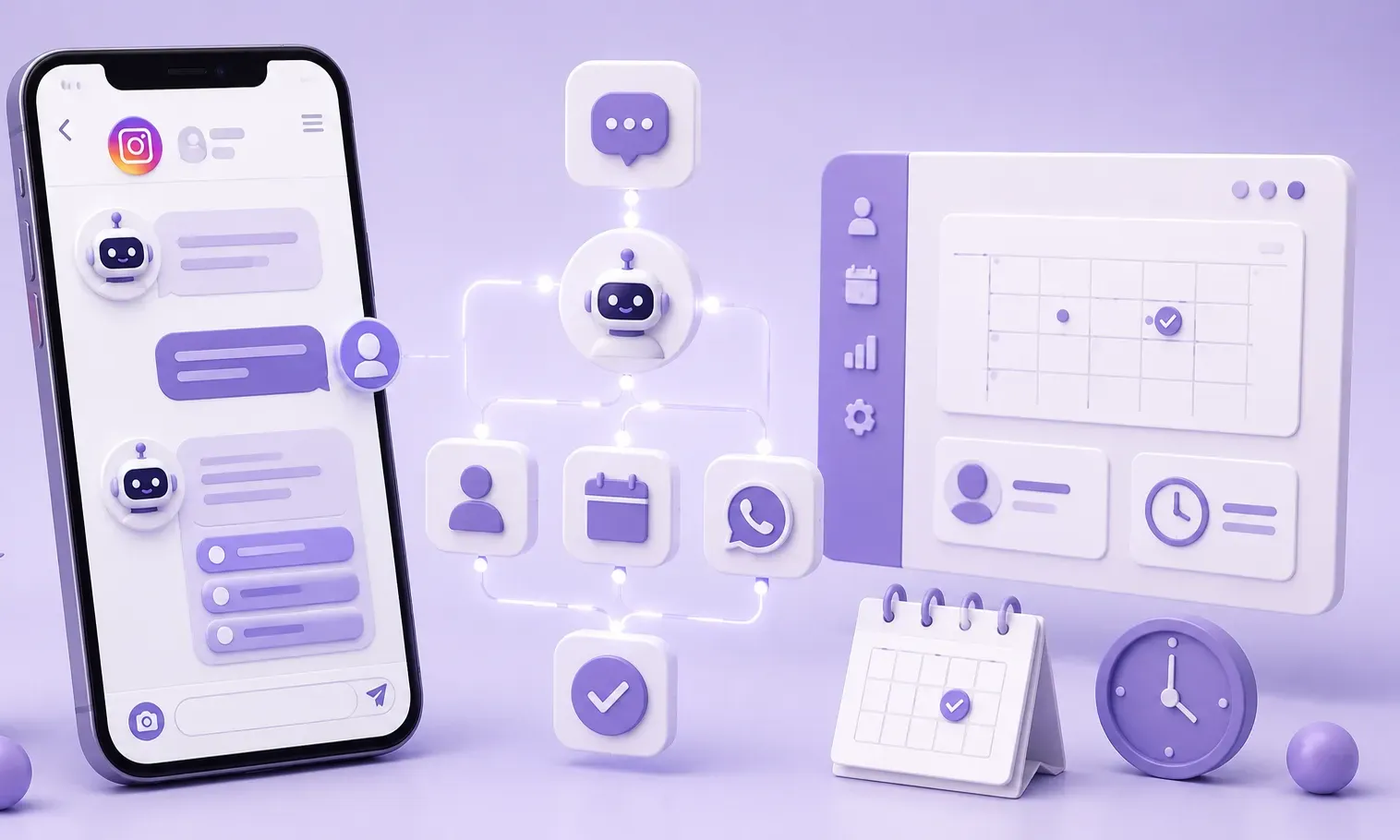
Production Stack: 3 Tools to Publish in Less Time
Completing 30 posts in a month requires a production system, not improvised creativity.
Canva AI (carousels and stories):
Generates carousel slides from a brand template. With Magic Design, describe the topic ("5-error carousel on personal finances, minimalist style, brand colors") and get a draft in seconds. Production time per carousel drops from 40 minutes to 10–15 minutes once the template is set up and the color palette is saved.
Captions.ai (subtitles for Reels):
Transcribes and syncs subtitles automatically on the video. 85% of videos on Instagram are watched without sound, per Meta. Without subtitles, the verbal hook of the Reel doesn't reach most viewers. Captions.ai adds the typographic style with keyword color highlighting — no manual editing required.
ChatGPT for per-post copy:
The calendar defines the topic and goal. ChatGPT generates 3 variations of the caption and story CTA text for each day. Reference prompt: "I'm a [specialty] coach, my ideal client is [description]. Write 3 caption variations for this Reel: [topic]. Tone: [direct/warm/educational]. End with the CTA: 'comment [KEYWORD] to get it.'" Writing time per post drops from 20 minutes to 5 minutes of review and refinement.
Ready to Get More Clients?
At Asio, we teach you to implement these strategies step by step through the Mastery program — combining Meta Ads, ManyChat, and conversational automation so you get more appointments and close more sales, without relying on manual messages.