Back to Blog
How to Use Calendly with WhatsApp for Automated Client Scheduling
Coaches, consultants, and service professionals often struggle with manual client scheduling, which can be time-consuming and prone to errors.
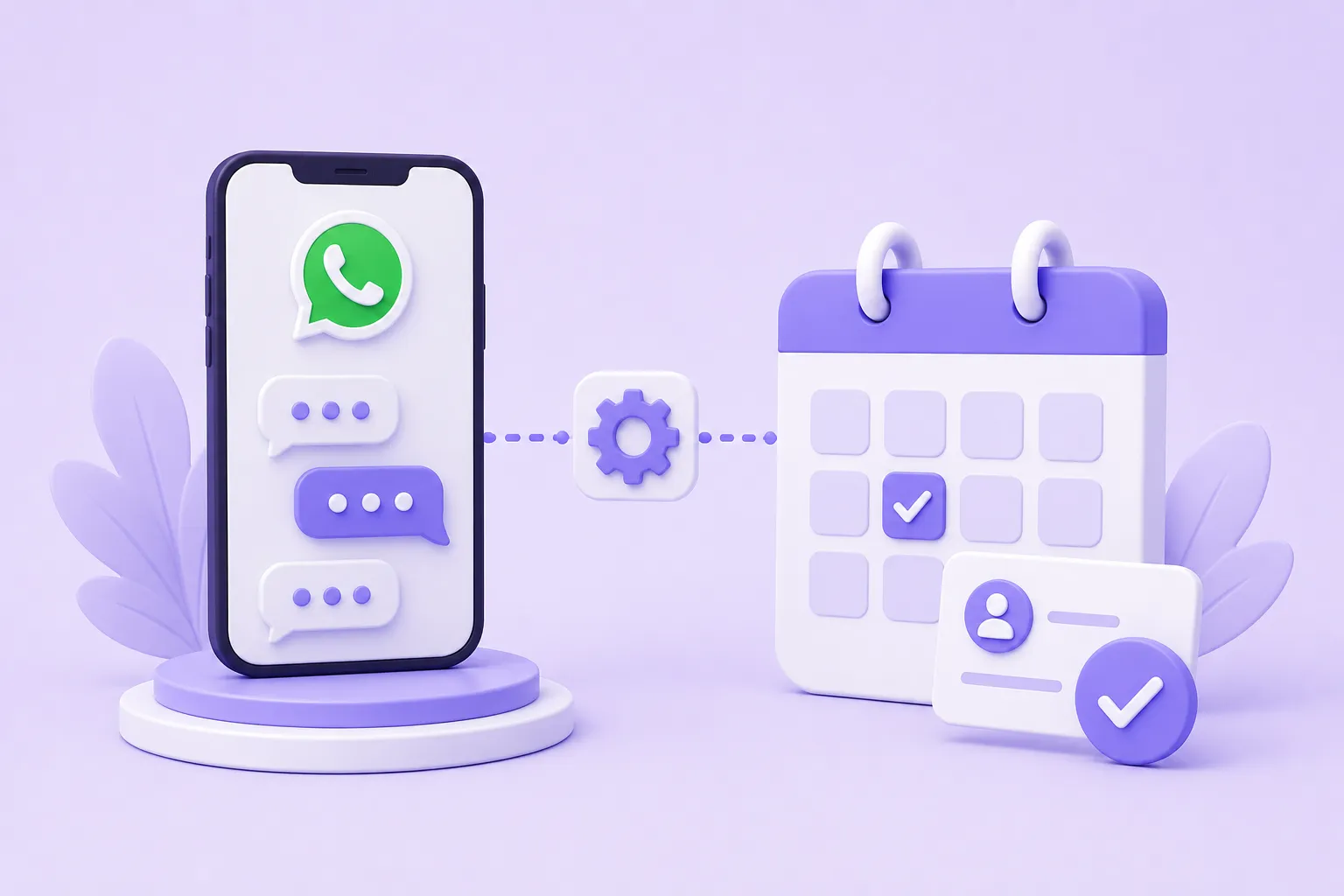
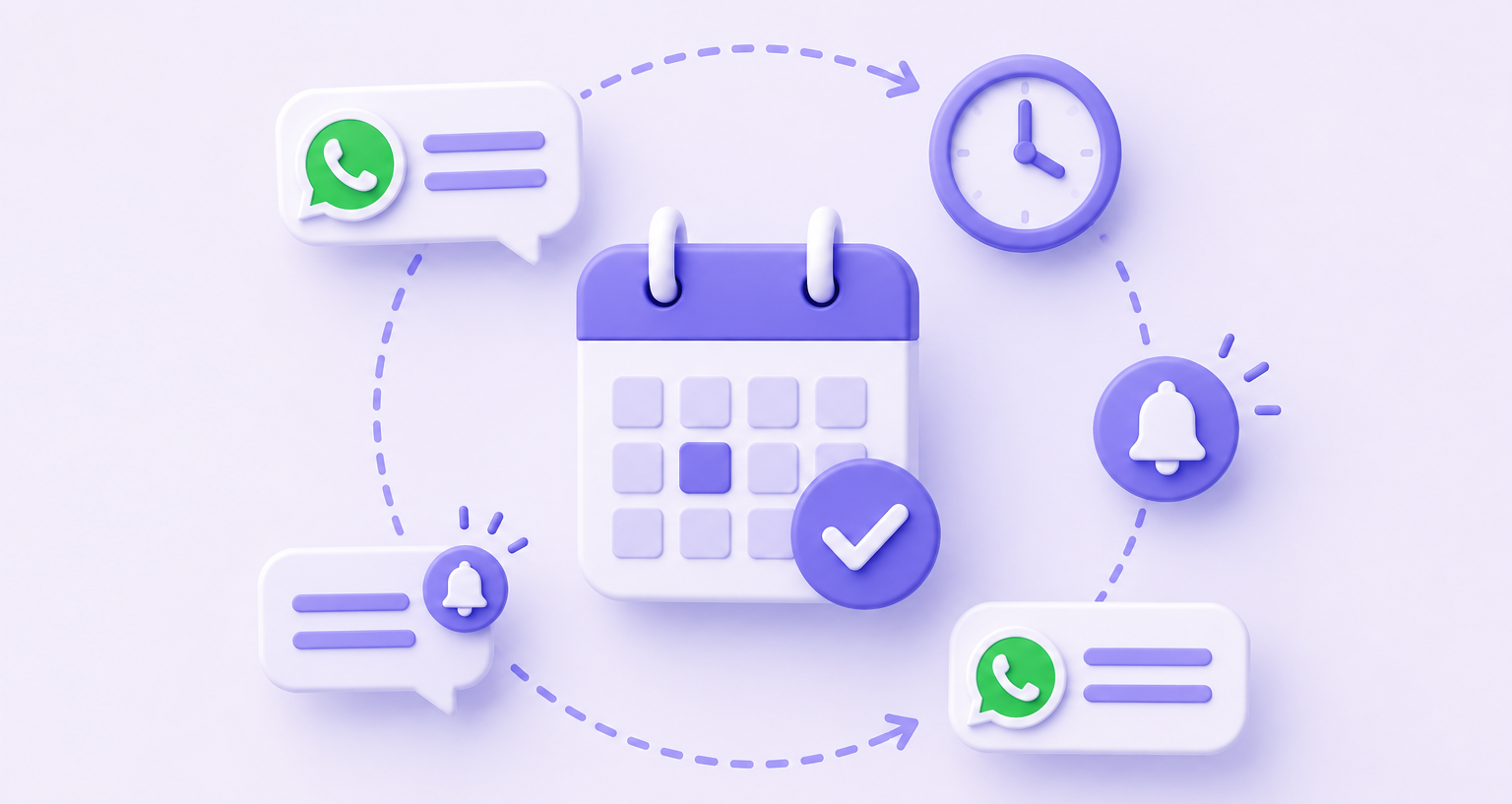
Calendly and WhatsApp can be integrated to automate client scheduling, reducing no-shows and increasing productivity.
By automating client scheduling, you can focus on high-leverage activities that drive business growth.
Integrating Calendly with WhatsApp
To integrate Calendly with WhatsApp, you need to connect your WhatsApp Business account with Calendly. 56% of consumers globally prefer to message a business rather than call customer service, according to Meta. This integration allows clients to schedule appointments directly from WhatsApp, reducing the need for back-and-forth communication. With over 2 billion monthly active users worldwide, WhatsApp is an ideal platform for client communication. Additionally, WhatsApp messages reach a 98% open rate, compared to roughly 20% for email, per HubSpot.
|
Feature |
Calendly |
|
|---|---|---|
|
Scheduling |
Automated scheduling |
Manual scheduling |
|
Reminders |
Automated reminders |
Manual reminders |
|
Communication |
Limited communication |
Rich media communication |
By integrating Calendly with WhatsApp, you can automate scheduling and reminders, reducing the administrative burden on your business. Over 175 million people message a WhatsApp Business account every day, indicating a high level of engagement with businesses on the platform. With Calendly, you can create a scheduling link that clients can use to book appointments, which are then synced with your calendar.
Automating Reminders
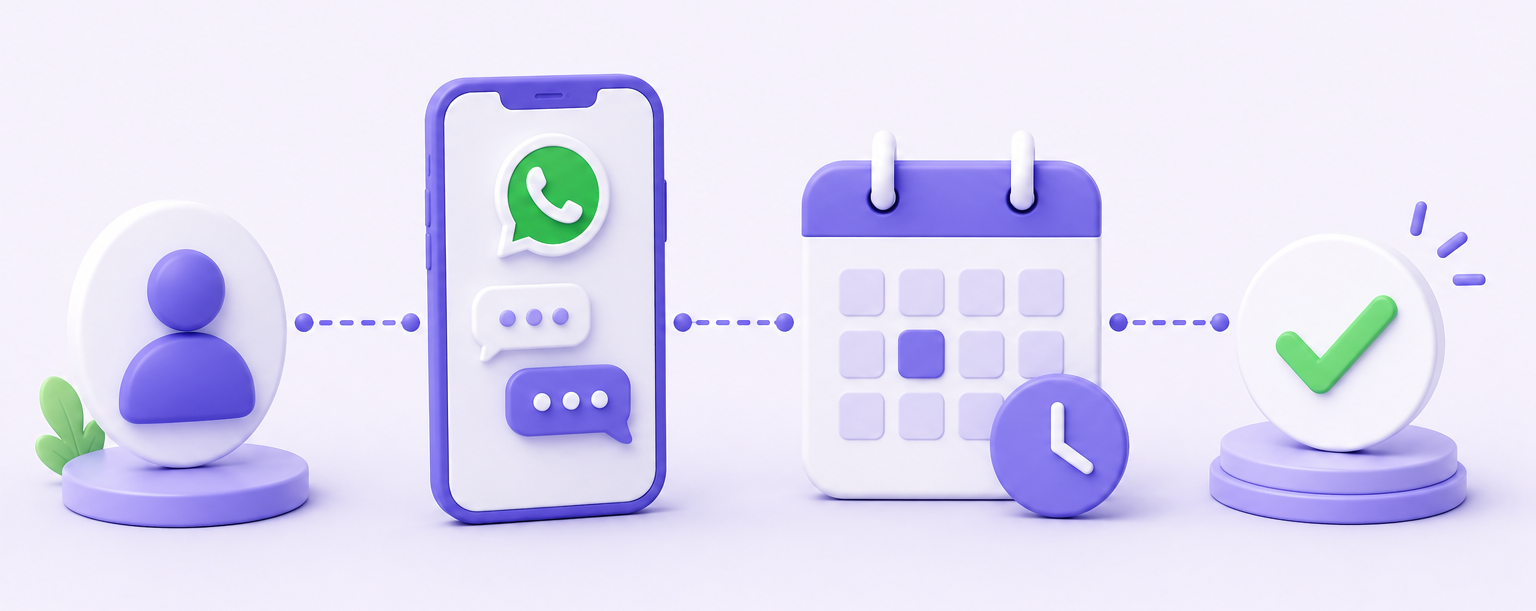
Automating reminders is a crucial aspect of client scheduling. Click-to-WhatsApp ads reduce cost per lead (CPL) by up to 40% compared to funnels that require a landing page, according to Meta. By integrating Calendly with WhatsApp, you can automate reminders, reducing no-shows and increasing client engagement. Clients can receive reminders and notifications directly on WhatsApp, ensuring they are always informed about their appointments.
To automate reminders, you can set up a workflow in Calendly that sends reminders to clients at a specified time before their appointment. This can be done using a variety of triggers and actions, including scheduling changes and appointment reminders. Reels now account for more than 50% of time spent on Instagram and over 30% on Facebook, indicating a high level of engagement with visual content. By using visual reminders and notifications, you can increase client engagement and reduce no-shows.
Benefits of Integration
The integration of Calendly with WhatsApp offers several benefits, including automated scheduling, reminders, and communication. 3.27 billion people use at least one Meta app every day, indicating a high level of engagement with Meta platforms. By integrating Calendly with WhatsApp, you can leverage this engagement to increase client interaction and reduce administrative tasks. Additionally, Meta's Advantage+ AI campaigns deliver 22% lower cost per acquisition on average versus manually-configured campaigns, according to Meta.
By automating client scheduling and reminders, you can focus on high-leverage activities that drive business growth. US digital advertising spending reached $298 billion in 2024, with social media accounting for the fastest-growing segment, per eMarketer. By integrating Calendly with WhatsApp, you can leverage this growth to increase client engagement and drive business revenue.
In conclusion, integrating Calendly with WhatsApp can automate client scheduling, reducing no-shows and increasing productivity. By leveraging the benefits of this integration, you can focus on high-leverage activities that drive business growth. WhatsApp reaches 99% of Brazilian internet users, indicating a high level of penetration in certain markets, as reported by DataReportal. By using Calendly and WhatsApp, you can tap into this penetration to increase client engagement and drive business revenue.
Ready to Get More Clients?
At Asio, we teach you to implement these strategies step by step through the Mastery program — combining Meta Ads, ManyChat, and conversational automation so you get more appointments and close more sales, without relying on manual messages.