Back to Blog
WhatsApp + Email for Nurturing Course Prospects: The 7-Day Combined Sequence that Converts
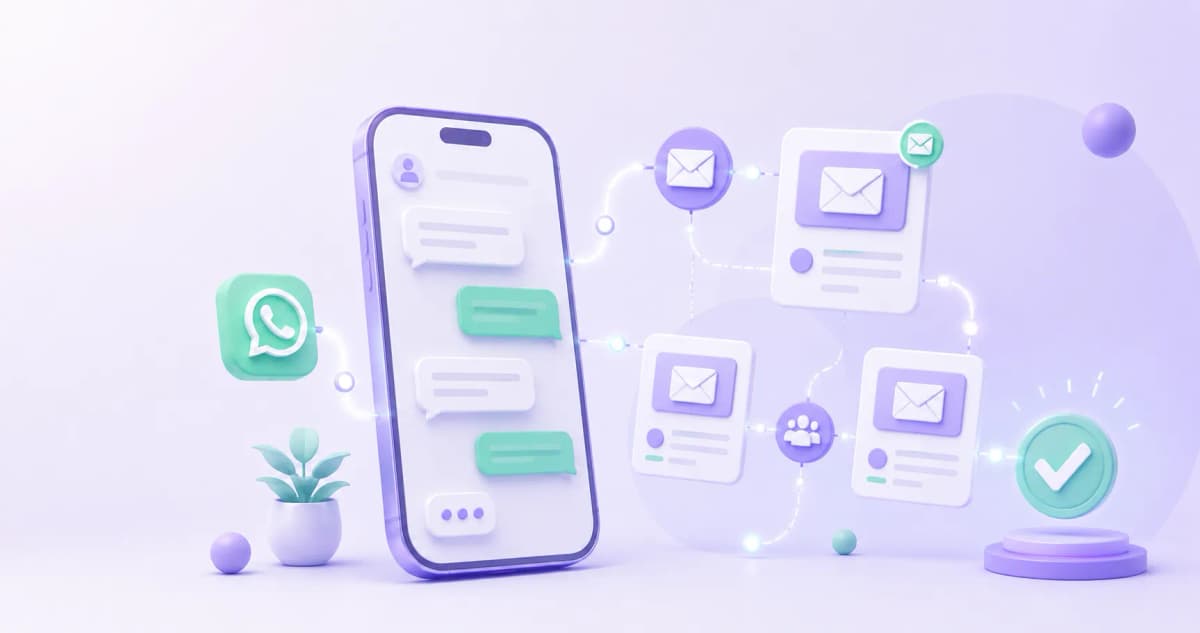
Email has the highest ROI of any digital marketing channel — but WhatsApp has a 98% open rate versus email's 20%. Most coaches use only one. The strategy that converts more prospects into students doesn't choose between them: it runs both in parallel, with a specific role for each channel at each point across 7 days.
The Logic Behind Combining Two Channels
The principle is straightforward:
|
Channel |
Role in this sequence |
When to use it |
|---|---|---|
|
|
Quick high-open-rate touches — qualification questions, short resources, direct closes |
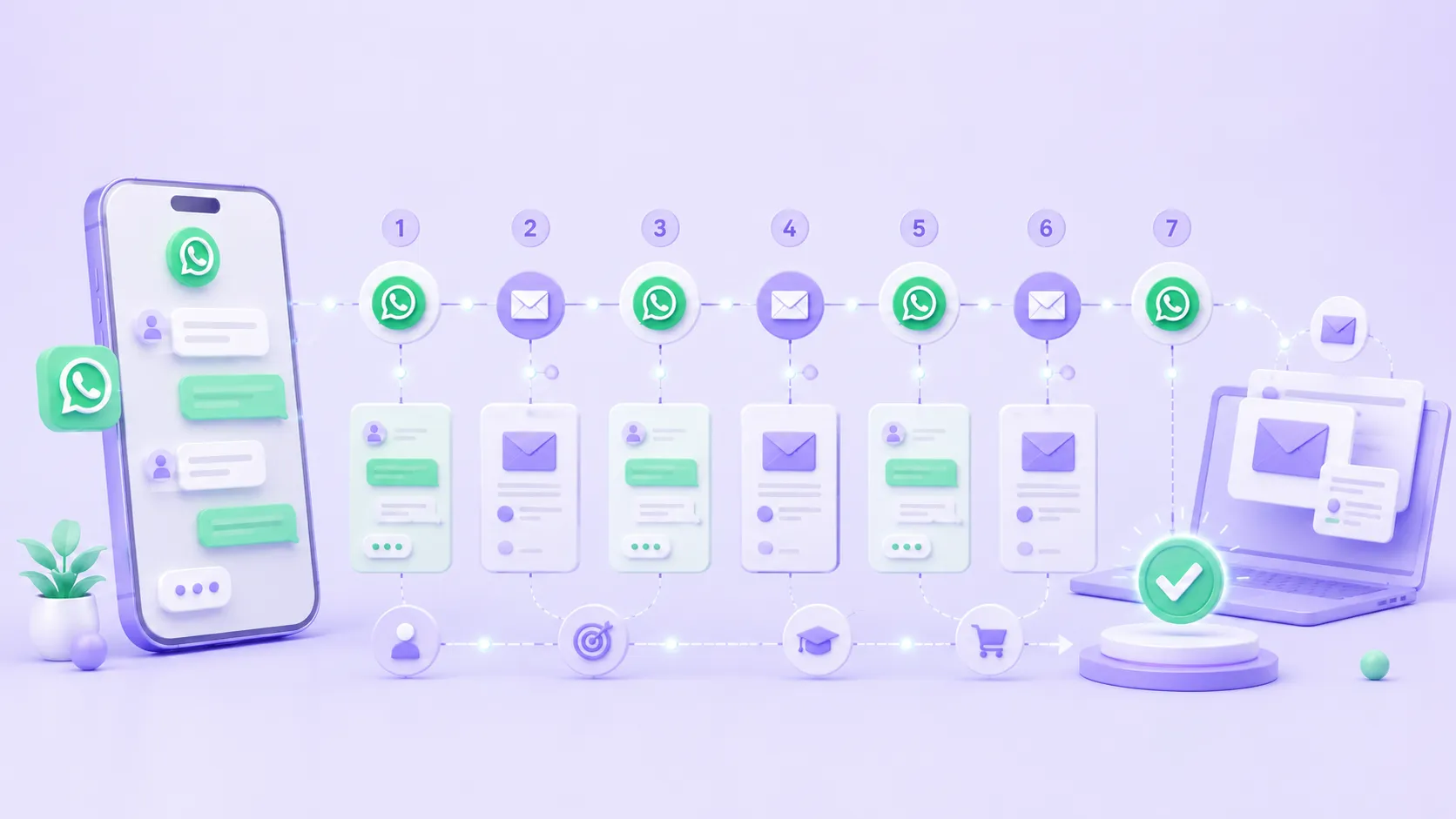
Days 1, 3, 5, 7 |
|
|
Depth — origin story, education, objection handling, extended social proof |
Days 1, 3, 5 |
WhatsApp opens the conversation and keeps the prospect engaged. Email builds the trust and context that makes the purchase possible. Each channel does what the other can't do well.
How to Connect ManyChat to Your Email Tool
Before launching the sequence, you need the prospect's email to flow automatically into your email platform (Mailchimp, ActiveCampaign, or equivalent). The architecture:
- The prospect enters the ManyChat bot (via keyword, Click-to-WhatsApp, or Instagram comment)
- The bot sends the Day 1 WhatsApp message and asks the first qualification question
- After they respond, the bot asks: "Can I get your email to send you a free guide with more details?"
- ManyChat captures the email using a User Input block (type: email)
- ManyChat fires a POST webhook to Zapier or Make with the fields: {name, email, whatsapp_number, qualification_answer}
- Zapier/Make creates the contact in ActiveCampaign or Mailchimp with that data
- ActiveCampaign automatically triggers the nurturing automation — the Day 1, 3, and 5 emails go out on their own with the configured delays
- ManyChat continues sending the Day 3, 5, and 7 WhatsApp messages using programmed Delay blocks in the flow
The result: the prospect receives both the WhatsApp touches and the emails without any manual sending on your end.
The 7-Day Sequence: Exact Messages
Day 1 — WhatsApp: welcome + first qualification question
Send within the first 5 minutes of opt-in:
Hi [Name]! I'm [Your name], creator of [Program name].Thanks for your interest — quick question before I send you more:Which one describes your situation right now?1️⃣ Starting from zero with [topic]
2️⃣ Already have some experience but want better results
3️⃣ Want to monetize what I already knowReply with the number that fits best 👇
Why it works: the qualification question forces an active response. A prospect who replies in the first contact is 3–4x more likely to convert than one who only reads.
Day 1 — Email: promise + origin story
Subject: "Why I built [Program name]"
Opening paragraph: "[Name], when I started out in [topic], I made the mistake almost everyone makes: [common mistake]. It took me [timeframe] to realize the problem wasn't lack of effort — it was that no one had shown me the right system. [Program name] exists because I needed someone to tell me that first."
Rest of the email: creator's origin story → transformation → what makes the program different → soft CTA: "Reply to this email with your biggest obstacle right now."
Day 3 — WhatsApp: free resource + soft CTA
Hey [Name], here's something I applied [timeframe] ago that changed how I approach [main result]:[Link or image: mini-guide, checklist, or 2–3 minute video]The most important part is point [number] — most people skip it.Did it click for you? Reply when you've had a chance to look.
Execution note: the resource needs to be short and consumable in under 5 minutes. A 20-page PDF doesn't get opened on WhatsApp. A one-page checklist or a 2–3 minute video does.
Day 3 — Email: deep education
Subject: "The mistake 90% of [your ideal student profile] make"
Opening paragraph: "Last week I was on a call with [fictional name or real name with permission], [ideal prospect profile]. They'd been trying to [goal] for [timeframe] with no results. The problem wasn't lack of motivation or information — they were executing in the wrong order. In this email I'll explain what that order is and why it matters more than anything else."
Rest of the email: explanation of the core framework or method of the course → concrete example → why it works → CTA: "If you want to see how I apply this inside the program, [link to sales page or webinar]."
Day 5 — WhatsApp: social proof + urgency
[Name], two days ago [Student Ana / Student James] finished module 2 of the program and went from [situation before] to [specific result] in 11 days.There are [number] spots left for the [date] cohort.Want me to hold one for you before it fills up? Reply "YES" and I'll send you the details.
Execution note: use a real testimonial with a name and a specific measurable result. "Many students improve" doesn't create urgency. "[Name] went from 0 to [measurable outcome] in [timeframe]" does.
Day 5 — Email: main objection handled
Subject: "Don't have time for a program? That's what everyone says before they start"
Opening paragraph: "'I don't have time.' That's what [name] told me before enrolling. Twelve weeks later, they completed the program working less than 45 minutes a day. The real question isn't whether you have time — it's whether the approach you're using now is taking more time than it should for the result you're after."
Rest of the email: dismantle the objection with real student data → how the program is structured to fit into a real schedule → direct CTA: "If you want to see the time breakdown by module, [link]."
Day 7 — WhatsApp: direct close
Hey [Name], 7 days ago I shared [Day 3 resource] with you, and since then [number] people have confirmed their spot in [Program name].Today is the last day at the launch price of [discounted price].Ready to start? Message me "LET'S GO" and I'll process your enrollment in the next 30 minutes.
Why only WhatsApp on Day 7: closing needs immediacy and a direct response. A Day 7 email can go out too, but if the prospect hasn't opened previous emails, WhatsApp still reaches them. A verbal close on WhatsApp converts better than a payment button in an email.
What to Do When Prospects Don't Respond
If the prospect doesn't respond to any WhatsApp message on days 1, 3, or 5, don't end the sequence at Day 7. In ManyChat, add a condition:
- If no interaction across all 7 days → tag as COLD_PROSPECT and move to a 30-day reactivation sequence
- If they opened the Day 3 resource but didn't reply → send a Day 8 follow-up with a different angle: new objection, different social proof
- If they responded on Day 1 but went quiet → re-engage on Day 10 with: "Hey [Name], a few days ago you mentioned [qualification answer]. Are you still working on that?"
The COLD_PROSPECT tag in ManyChat can connect via webhook to ActiveCampaign to automatically update the contact's stage in the CRM.
Ready to Get More Clients?
At Asio, we teach you to implement these strategies step by step through the Mastery program — combining Meta Ads, ManyChat, and conversational automation so you get more appointments and close more sales, without relying on manual messages.